


29 Best Color Palette Generator Tools for Designers (2025 Guide)
Introduction: The “Blank Canvas” Paralysis Ends Here
We’ve all been there. You stare at a blank Figma frame, select a primary blue, and then… freeze. What pairs with this blue? Do I go complementary? Analogous? And will it actually pass WCAG contrast standards when I put white text over it?
Choosing a color scheme isn’t just about “looking good”—it’s about usability, emotion, and accessibility. While a quick Google search gives you generic listicles, most miss the mark on how designers actually work. They show you five nice stripes of color but fail to answer the big questions: How does this look on a dashboard? Is it accessible? How do I hand this off to a developer?
This guide is different. We’ve curated and tested 29 specific tools to solve three major gaps most competitors ignore:
- Context Visualization: We highlight tools that map colors onto real UI mockups instantly, so you aren’t imagining the result.
- Accessibility First: We prioritize tools that bake WCAG compliance into the generation process, not just as an afterthought.
- Export Flexibility: We identify which tools generate the code you need (CSS, SCSS, SVG, or JSON) to streamline the handoff.
What is the best color palette generator?
If you need a quick answer, here is the breakdown:
- Best All-Rounder: Coolors (Fast, robust export options).
- Best for UI Mockups: Realtime Colors or Palette Maker (Visualize on real layouts).
- Best for Accessibility: Venngage Generator or Leonardo (Data-viz friendly and WCAG compliant).
- Best AI Personalization: Khroma (Learns your preferences).
- Best for Trends: Color Hunt (Human-curated inspiration).
See also
Top AI & Smart Color Generators
Tools that do the heavy lifting for you using machine learning.
Coolors
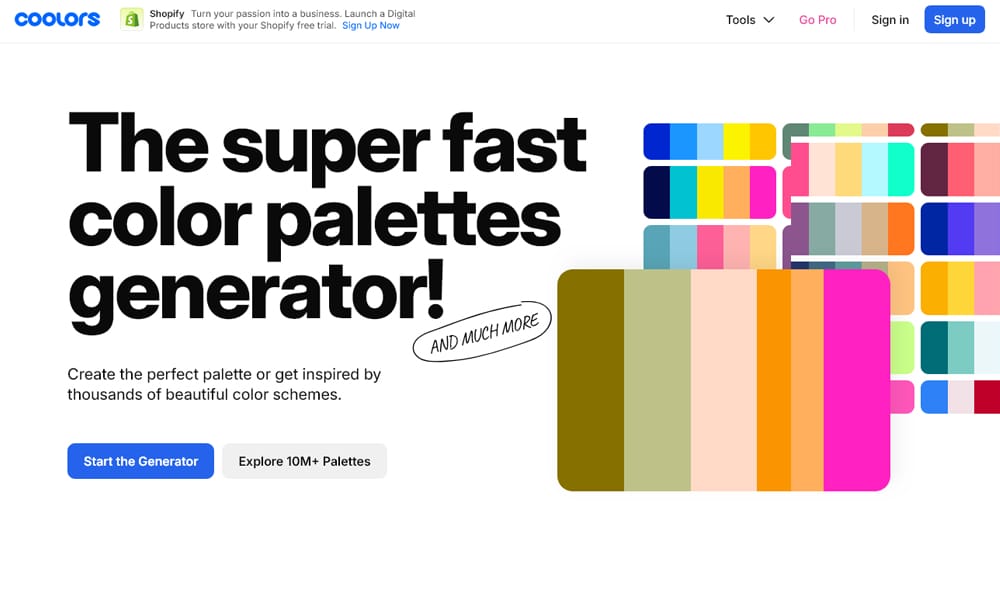
Coolors is widely considered the industry standard for a reason: it’s incredibly fast. You simply hit the spacebar to generate infinite color combinations. If you like a specific shade, lock it, and keep hitting space to regenerate the rest. It integrates seamlessly into professional workflows with plugins for Figma and Adobe.
- Key Features: “Spacebar” generation, image-to-palette extractor, contrast checker.
- Best For: Designers who need a professional palette in under 60 seconds.
- Cost: Freemium. (Pro starts at ~$3/mo for team features). [As of: Dec 2025]
- Pro Tip: Use the “Export” feature to generate a PDF or CSS code snippet immediately for your developers.
Khroma
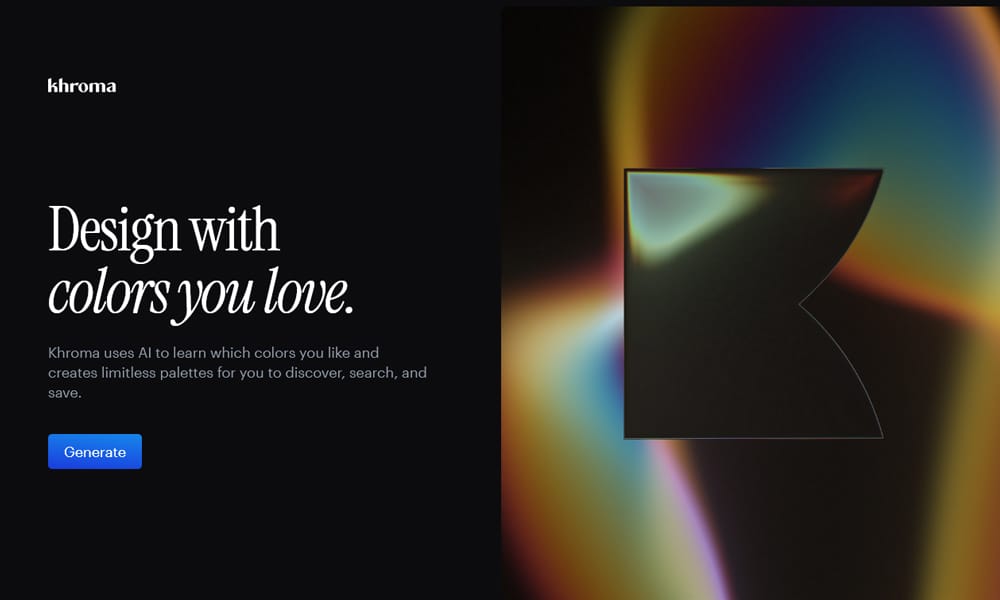
Khroma describes itself as “The AI color tool for designers.” Unlike random generators, Khroma asks you to choose 50 colors you love to “train” its algorithm. Once trained, it generates limitless combinations that match your specific aesthetic taste. It feels like having a junior designer who knows exactly what you like.
- Key Features: Personalized algorithm, view as typography/gradient/image, infinite scroll.
- Best For: Designers looking for a personalized inspiration feed that cuts out “ugly” colors.
- Cost: Free.
- Main Limitations: Requires initial time investment (selecting 50 colors) to start.
Huemint
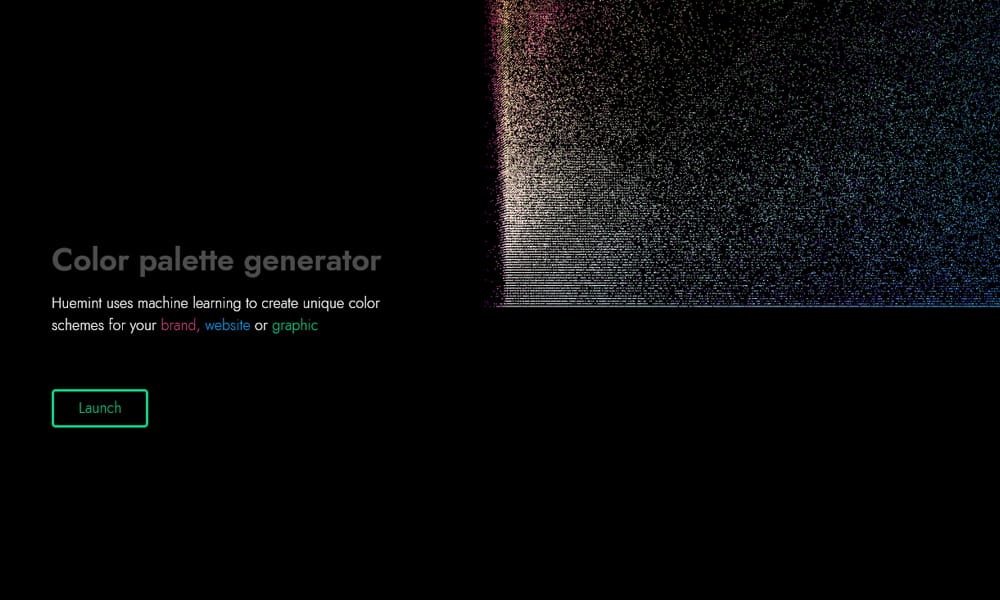
Huemint uses machine learning to generate colors based on context. Instead of just giving you five stripes, it shows how those colors apply to a specific graphic design, brand identity, or website illustration. It understands which colors should be backgrounds and which should be accents.
- Key Features: Context-aware generation, multiple visualization modes (brand, website, gradient).
- Best For: Branding projects where you need to see how colors separate hierarchically.
- Cost: Free.
Colormind
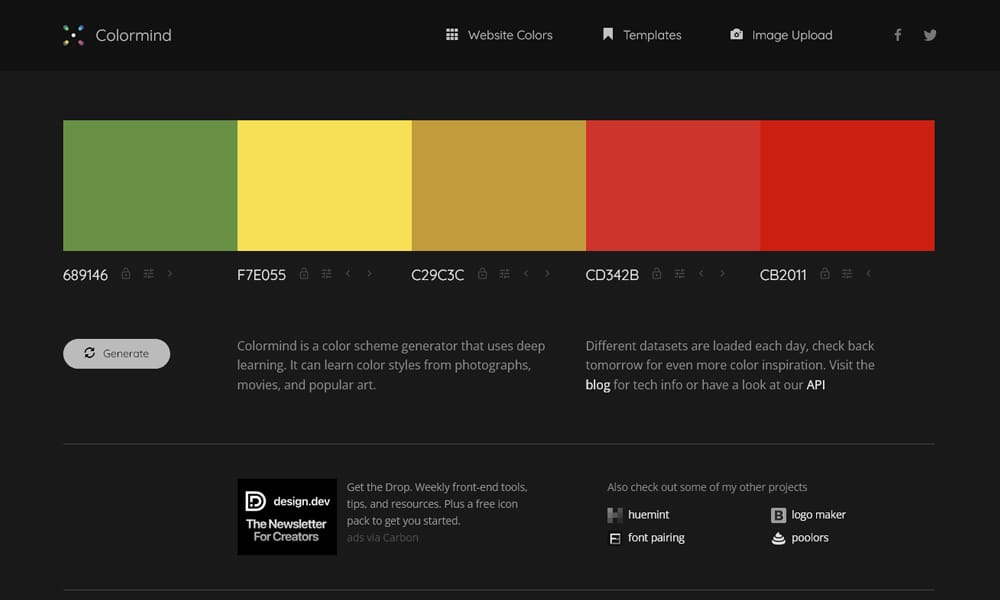
Colormind is a deep learning AI that extracts color styles from photographs, movies, and popular art. It’s excellent for “filling in the gaps.” If you have two brand colors and need three more to complete the set, Colormind can intelligently bridge them.
- Key Features: “Lock” colors to generate complementary shades, API access for developers.
- Best For: Developers and designers who want a “smart” autocomplete for their color schemes.
- Cost: Free.
Color Magic
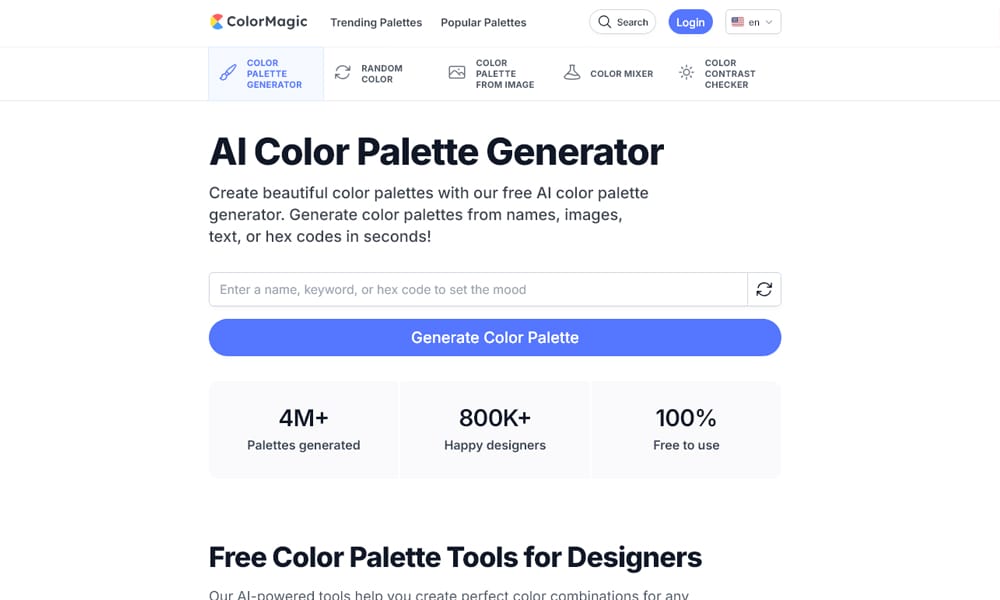
Color Magic brings the “text-to-image” AI revolution to color. You simply type a prompt like “Summer wedding in Tuscany” or “Cyberpunk city at night,” and it generates a palette matching that vibe. It’s perfect for mood boarding when you have a theme but no visuals yet.
- Key Features: Text-to-palette generation, simple interface.
- Best For: Brainstorming and mood boarding based on keywords.
- Cost: Free.
Professional & Scientific Tools
Precision instruments for building robust design systems.
Adobe Color

Formerly known as Kuler, Adobe Color is the heavyweight champion for Adobe Creative Cloud users. It allows you to create palettes using classic color theory rules (triad, compound, monochromatic) and check them for accessibility. Best of all, it saves directly to your CC libraries for instant use in Photoshop or Illustrator.
- Key Features: Deep integration with Adobe apps, trend discovery, accessibility contrast tools.
- Best For: Professional designers deeply embedded in the Adobe ecosystem.
- Cost: Free. (Requires Adobe ID to save/sync).
Paletton
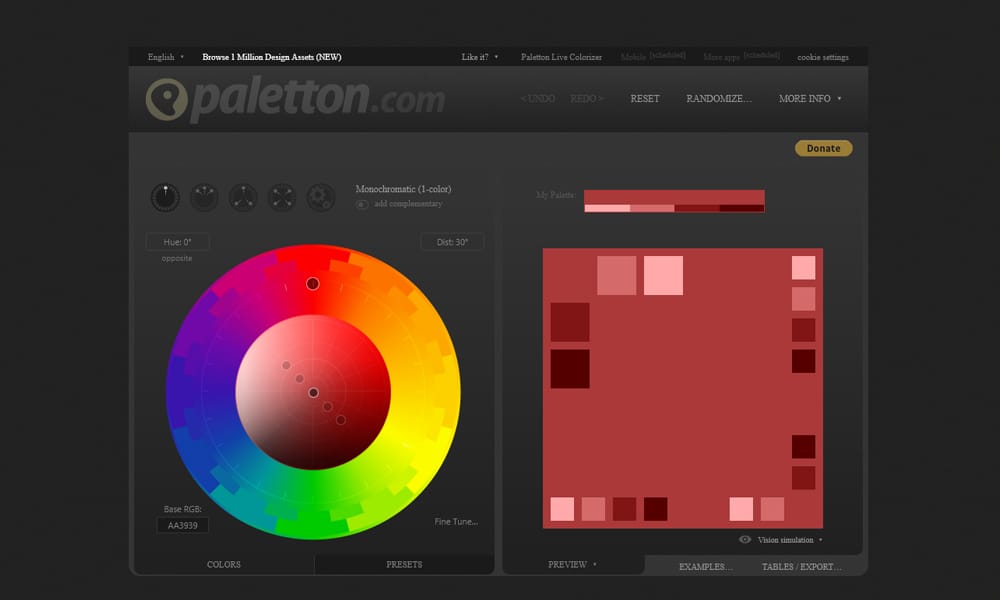
Paletton (formerly Color Scheme Designer) is for the purists. It hasn’t changed its look in years, but its scientific approach to color theory is unmatched. It allows for incredibly granular control over saturation and brightness within strict harmony rules.
- Key Features: Live preview of examples, strict theory adherence, vision simulation (color blindness).
- Best For: Technical designers who need mathematically precise color relationships.
- Cost: Free.
Leonardo Color
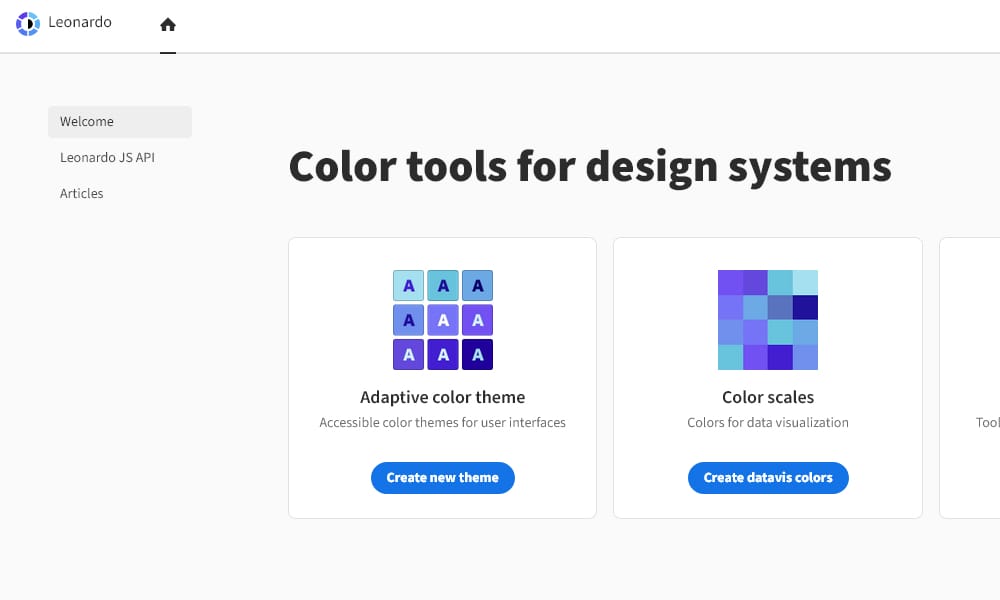
Leonardo is not just a palette generator; it’s a tool for building accessible color systems. It helps you generate colors based on target contrast ratios rather than just hex codes. It is widely used for building complex UI systems (like dashboard themes) where text legibility is non-negotiable.
- Key Features: Contrast-ratio based generation, detailed charts, developer-friendly output.
- Best For: UI/UX designers building scalable design systems (Design Tokens).
- Cost: Free. (Open source).
Atmos
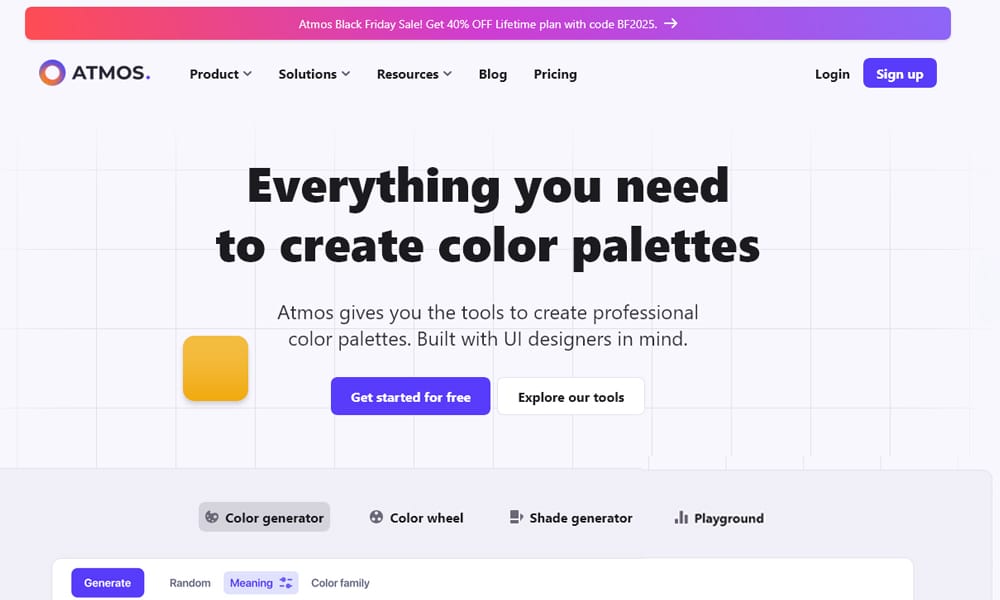
Atmos is a modern tool specifically built for UI palettes. It helps you create consistent shade scales (100-900) for your primary, secondary, and neutral colors. It focuses heavily on “safety” ensuring your text colors always pass accessibility standards against your backgrounds.
- Key Features: UI-focused shade generation, automatic contrast checking.
- Best For: Product designers setting up the foundations of a web app.
- Cost: Free.
ColorSpace
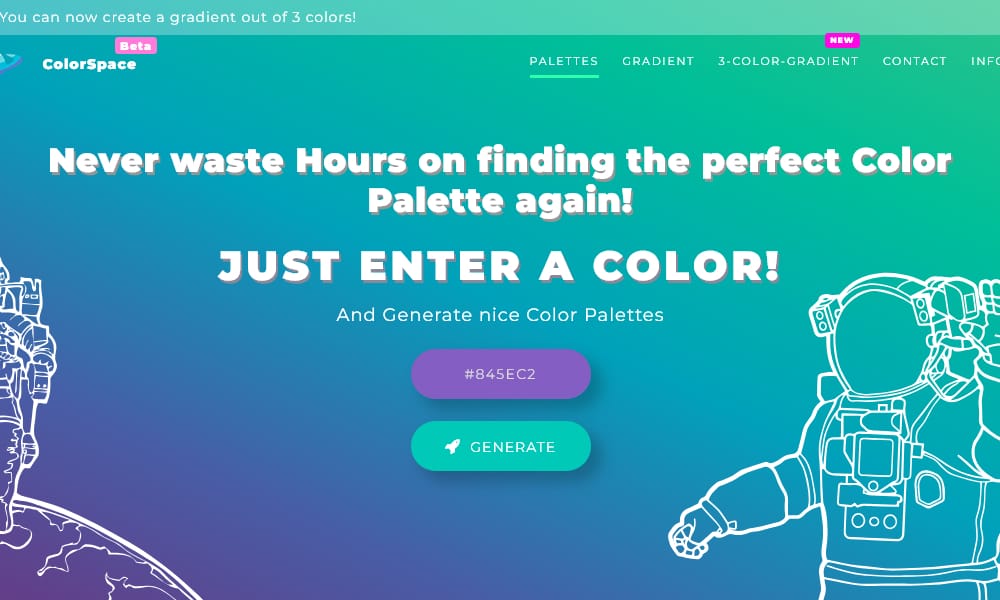
ColorSpace is a fantastic “one-click” utility. You enter a single hex code, and it generates dozens of different palette styles (Gradient, Spot, Classy, Cube, etc.) based on that one color. It’s less “scientific” than Paletton but often yields trendier results.
- Key Features: Single-color input, generates CSS gradients instantly.
- Best For: Web designers looking for nice CSS gradients to match a brand color.
- Cost: Free.
Color Designer
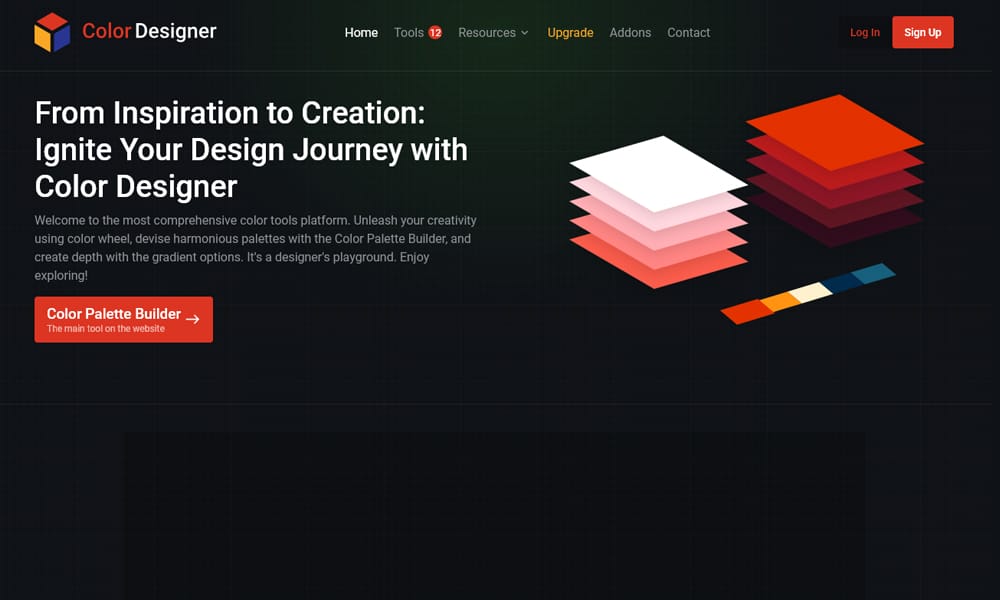
Color Designer is a comprehensive suite that offers a palette generator, gradient generator, and image mixer. Its standout feature is the “Tints and Shades” generator, which helps you break a single color down into usable steps for button states (hover, active, disabled).
- Key Features: Tints/Shades breakdown, color mixing, theory explanation.
- Best For: Junior designers learning how to expand a single color into a usable set.
- Cost: Free.
ColorKit
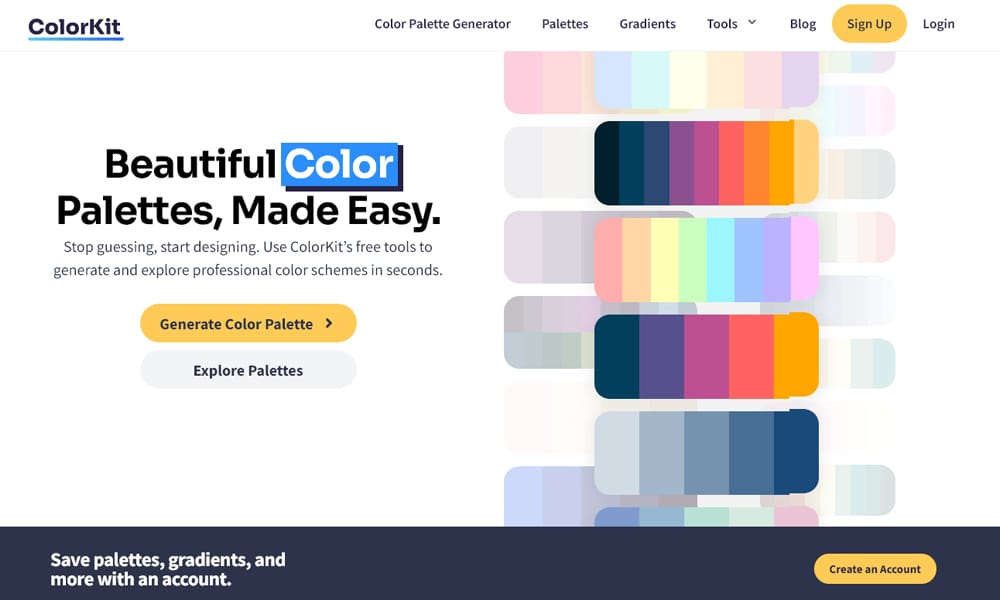
ColorKit is a robust utility that includes a gradient generator and a “color blender.” If you have two distinct brand colors that clash, ColorKit can help you find the perfect midpoint color to smooth the transition.
- Key Features: Color blender, gradient tool, robust palette inspiration.
- Best For: Smoothing out transitions between clashing brand colors.
- Cost: Free.
Data Color Picker
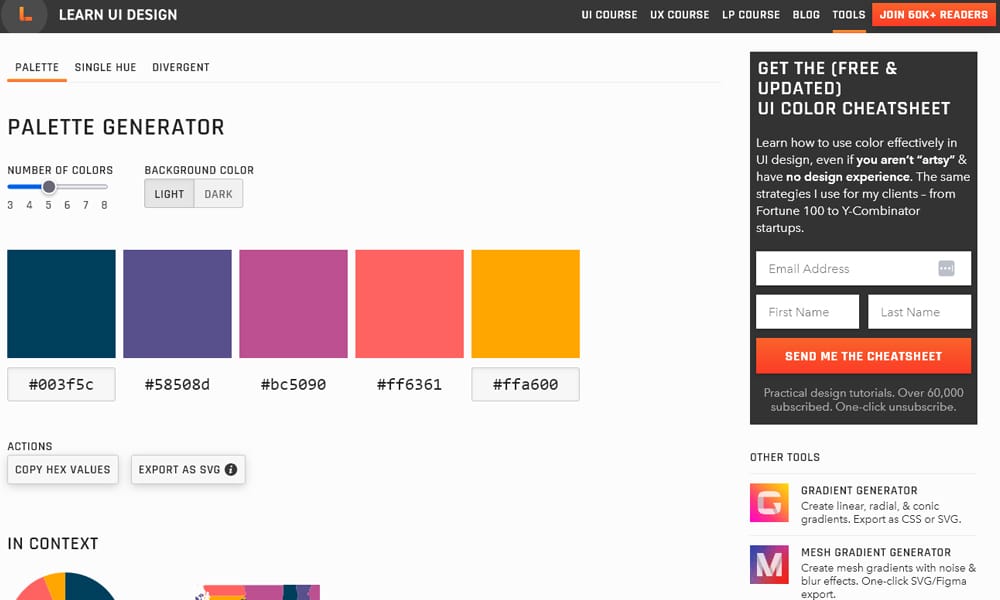
Most generators fail at data visualization. Data Color Picker (by Learn UI Design) is specifically built to create “visually equidistant” palettes for charts and graphs. It ensures that “Series 1” looks distinct from “Series 2” without implying one is more important than the other.
- Key Features: Equidistant color generation, dark/light background preview.
- Best For: Data analysts and UI designers working on dashboards or charts.
- Cost: Free.
Visualization & Context Tools
See your colors on real screens before you commit.
Realtime Colors
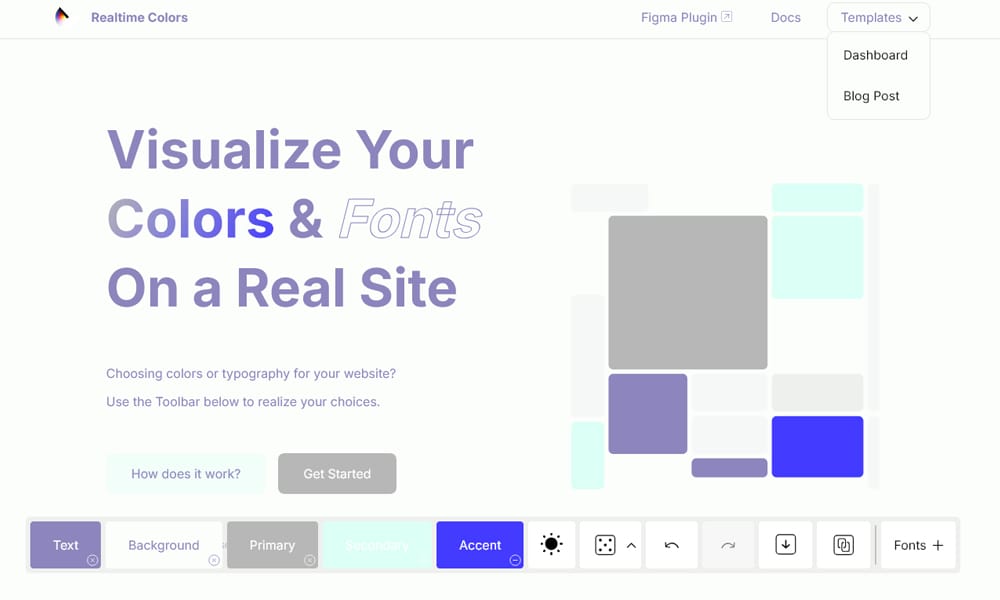
Realtime Colors solves the “imagination gap” perfectly. It presents a full “fake” website layout. As you tweak the color pickers, the entire site updates instantly—buttons, hero sections, fonts, and dark mode toggles. It is arguably the best tool for checking if a palette actually works on the web.
- Key Features: Live website preview, instant dark mode check, Figma plugin.
- Best For: Web designers who need to sell a color concept to a client.
- Cost: Free. (Pro version allows font customization).
Palette Maker
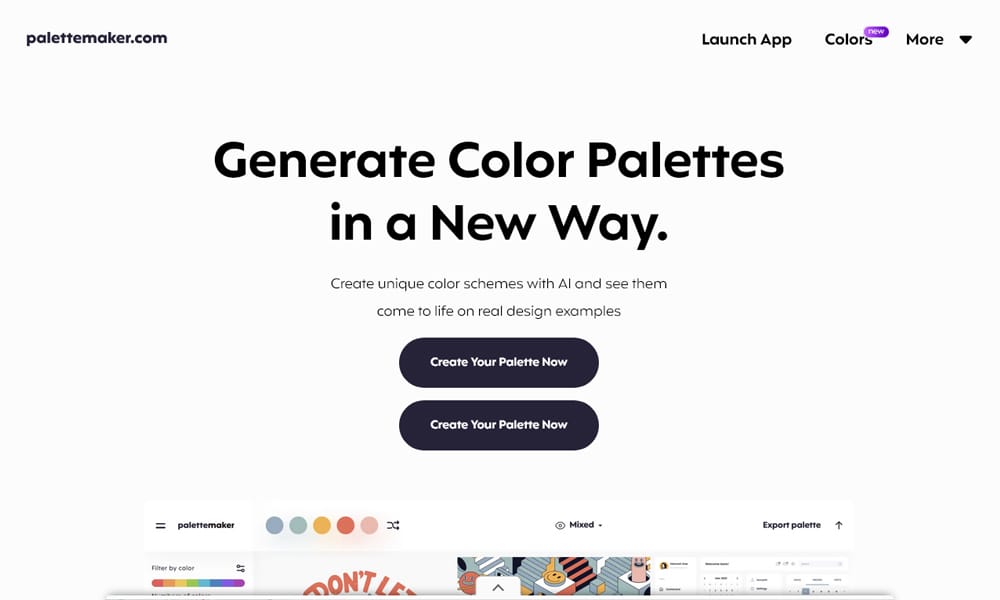
Similar to Realtime Colors but for broader graphic design, Palette Maker lets you see your colors on logos, vector illustrations, mobile app mockups, and patterns. It’s excellent for ensuring your brand colors work across different mediums, not just a website.
- Key Features: Pre-made mockups for patterns, logos, and apps.
- Best For: Brand identity designers creating a style guide.
- Cost: Free.
Eva Design System
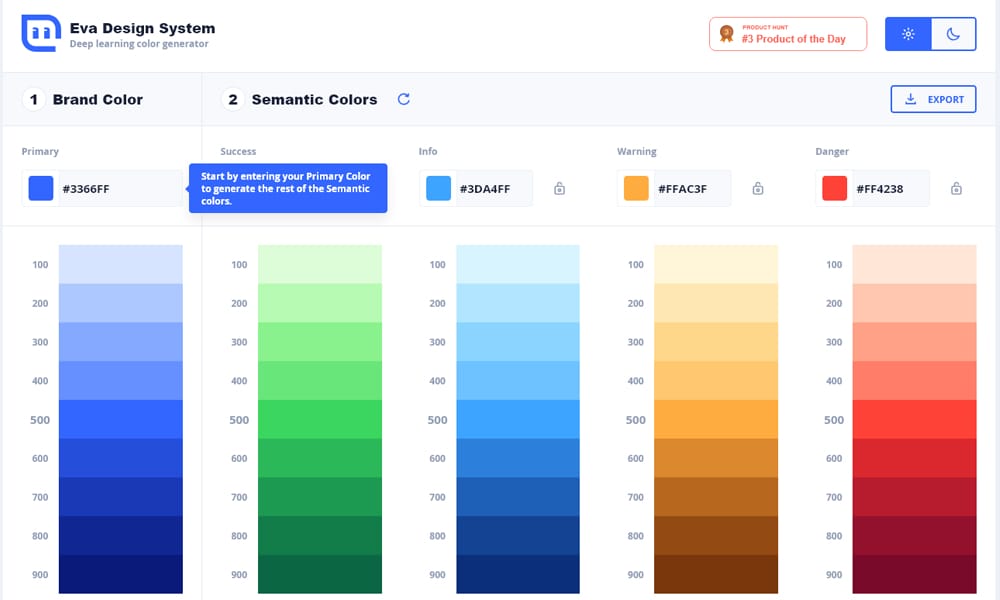
The Eva Design System generator uses deep learning to create “Semantic” colors. If you input a primary “Success” green, it generates the appropriate “Warning” yellow and “Error” red that match visually in weight and tone. It saves hours of tweaking system status colors.
- Key Features: Semantic color generation (Success, Info, Warning, Error), export to sketch/JSON.
- Best For: App developers needing a consistent set of status colors.
- Cost: Free.
Inspiration & Curation
When you need a spark of creativity from the community.
Color Hunt
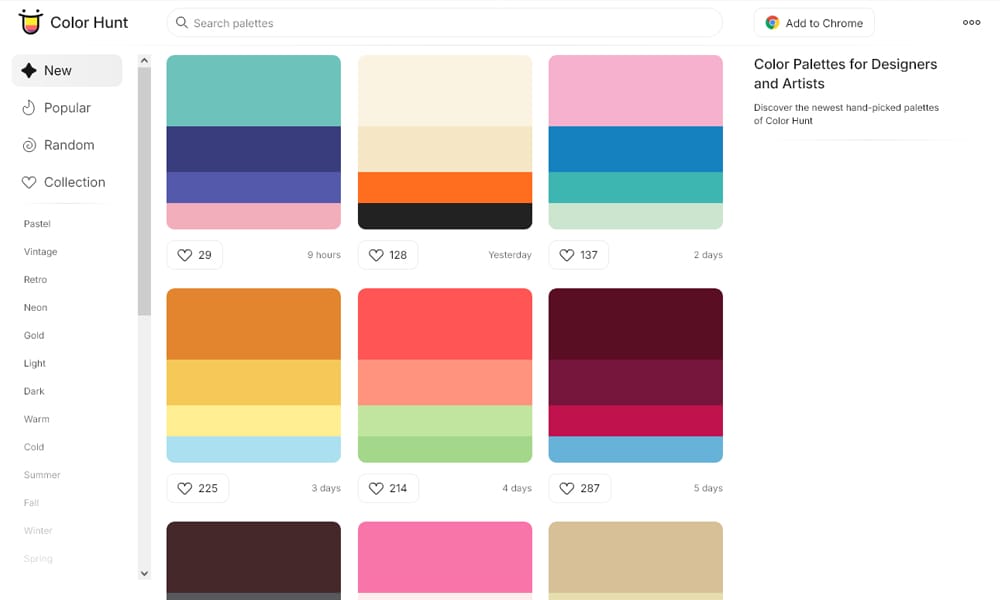
Color Hunt is a curated collection of beautiful color schemes, updated daily. Unlike AI tools, these are “liked” by humans, so you get a sense of what is currently trendy in the design world. It’s simple, visual, and effective.
- Key Features: Popularity sorting, simple copy-paste, trend categorization (Pastel, Vintage).
- Best For: Quick inspiration when you have zero starting ideas.
- Cost: Free.
ColorDrop
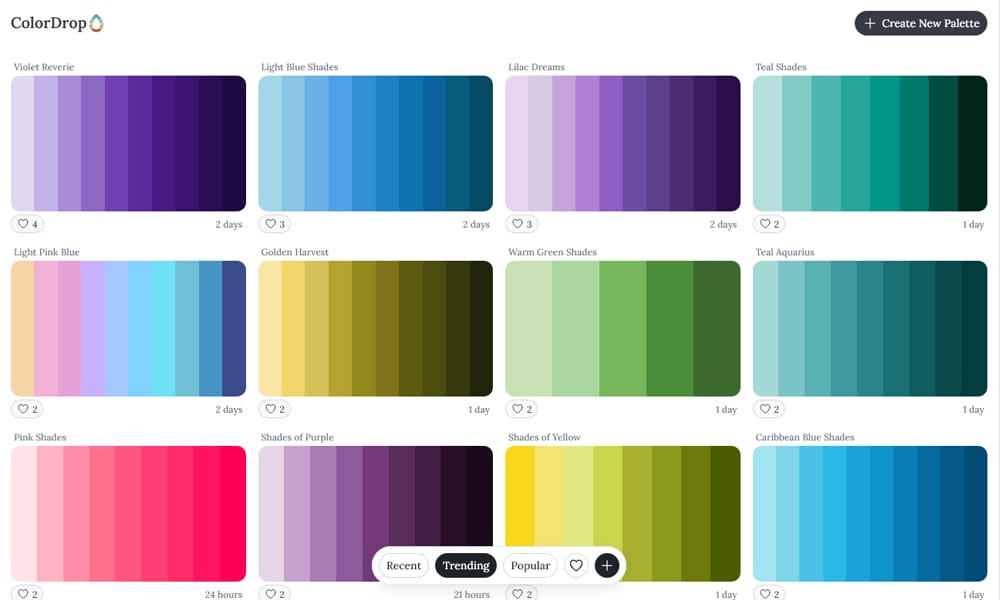
ColorDrop serves as a great alternative to Color Hunt with a focus on “Flat Design” styles. It provides a clean grid of four-color palettes that are ready to drop into any project. It also features a handy “scan image” tool to pull colors from photos.
- Key Features: Flat design focus, background color previewer.
- Best For: Simple, clean inspiration for flat UI design.
- Cost: Free.
Muzli Colors
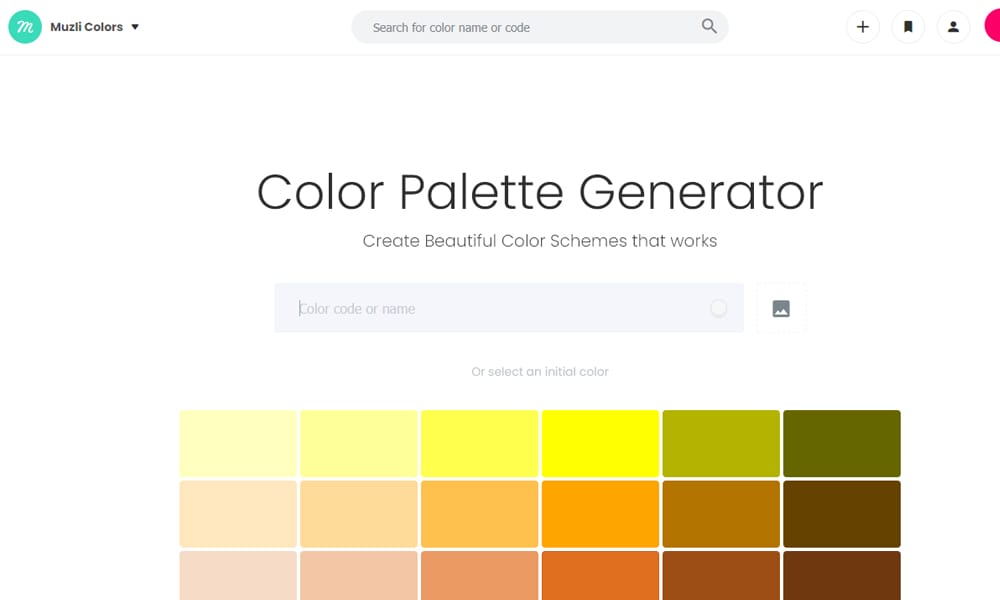
Muzli Colors (by InVision) is a search engine for colors. You can search for “Ocean Blue” and it will not only give you palettes but also show you real-world UI kits and illustrations using those colors. It bridges the gap between a palette generator and a mood board.
- Key Features: Search by keyword, live UI kit previews, downloadable assets.
- Best For: Designers who want to see how top-tier products are using specific colors.
- Cost: Free.
Happy Hues
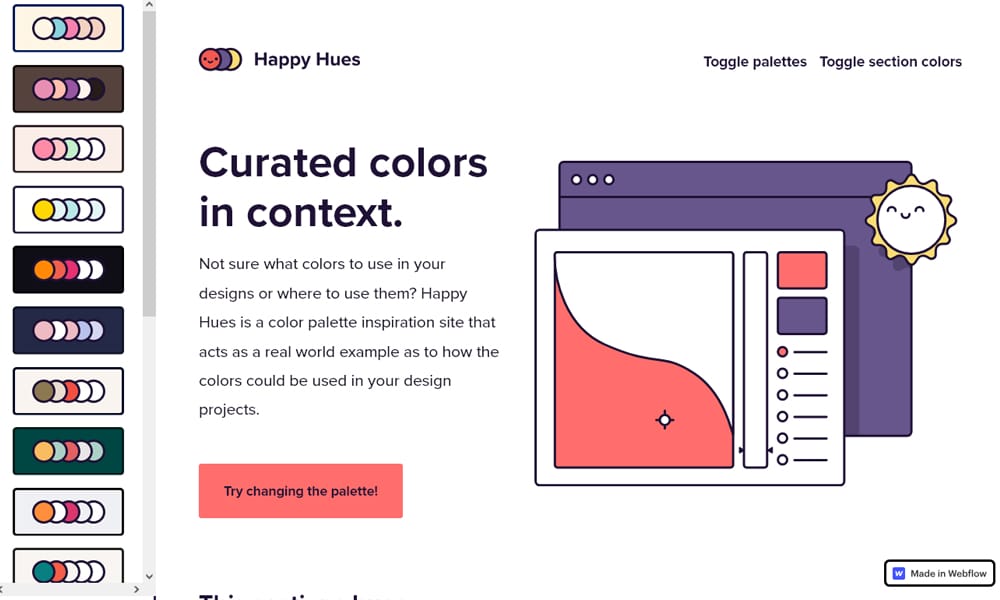
Happy Hues is an educational site by Mackenzie Child. It doesn’t just give you a palette; it explains where to use the colors. It demonstrates—right on the page—which color should be the background, the headline, and the button.
- Key Features: Educational context, real-world application examples.
- Best For: Beginners who have a palette but don’t know how to apply it.
- Cost: Free.
Colorsinspo
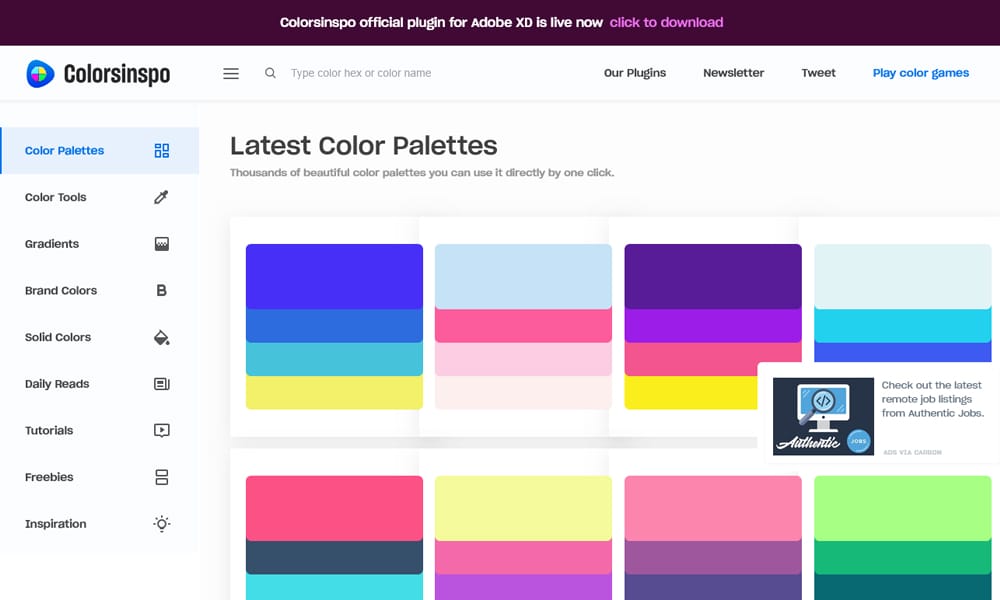
Colorsinspo is a massive repository. It’s an all-in-one resource that collects palettes, gradients, brand colors, and tutorials. If you want to go down a rabbit hole of color resources, this is your portal.
- Key Features: Massive library of tools and assets.
- Best For: Deep-dive research and gathering assets.
- Cost: Free.
BrandColors
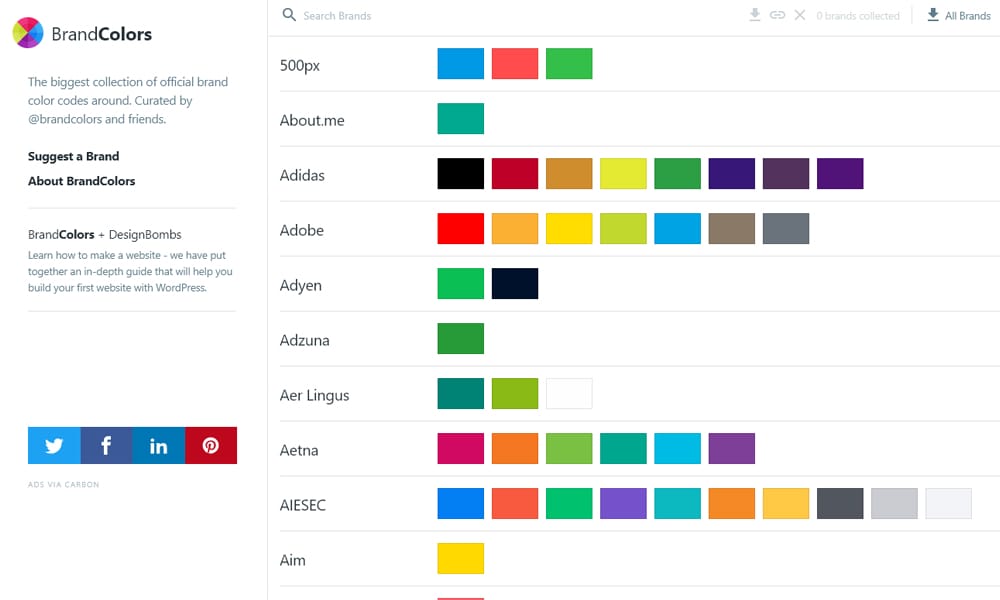
Ever wondered exactly what blue Facebook uses? BrandColors is the largest collection of official brand color codes. It’s invaluable if you are doing competitive analysis or need to feature “Social Login” buttons on your site and want the colors to be accurate.
- Key Features: Official hex codes for thousands of major brands.
- Best For: Finding precise colors for social media icons or competitor analysis.
- Cost: Free.
ColorLisa
ColorLisa allows you to browse palettes from the world’s greatest artistic masterpieces. Want a palette based on the Mona Lisa or Starry Night? This is the place. It’s a sophisticated way to bring classic art theory into modern web design.
- Key Features: Palettes derived from famous art.
- Best For: Artistic websites or projects needing a “classic” feel.
- Cost: Free.
Picular
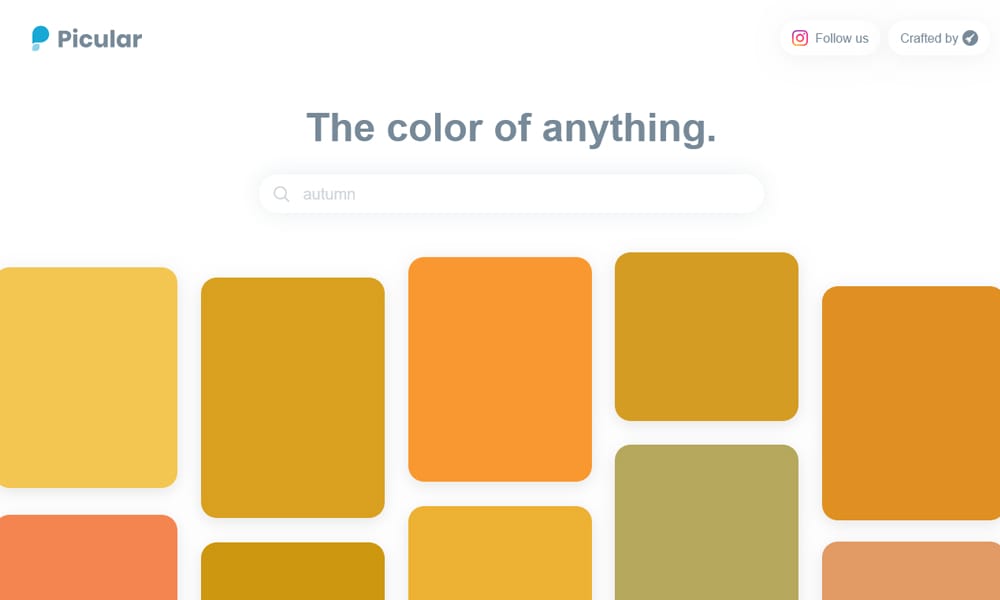
Picular calls itself “Google for Colors.” You type in a word—like “Coffee,” “Sky,” or “Banana”—and it scrapes Google Images to find the dominant primary colors associated with that word. It is a fantastic way to find the “average” color of an object or concept.
- Key Features: Search-term based color extraction.
- Best For: Getting a quick “gut check” on what color users associate with a word.
- Cost: Free.
ColorHexa

ColorHexa is the “encyclopedia” of color. You enter a code, and it gives you the conversion (RGB, CMYK, HSL), complementary colors, schemes, and even a preview of how it looks to color-blind users. It is a technical reference tool.
- Key Features: Full technical breakdown of any color.
- Best For: Developers needing to convert colors or find exact matches.
- Cost: Free.
Accessibility & Utilities
Ensure your design works for everyone.
Venngage Accessible Palette Generator
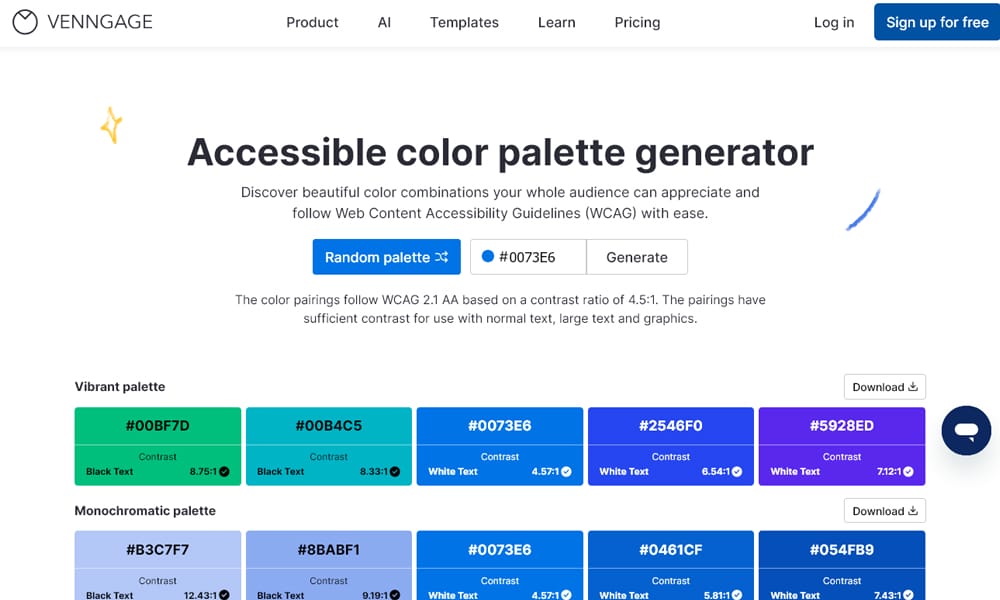
Venngage has created a tool specifically for “accessible” palettes. Unlike others that generate random colors, this tool ensures that the text and background combinations generated pass WCAG contrast tests. It is essential for corporate and government projects.
- Key Features: Random generation with strict accessibility rules.
- Best For: Creating compliant documents, infographics, and presentations.
- Cost: Free tool (Platform is Freemium).
Color Safe
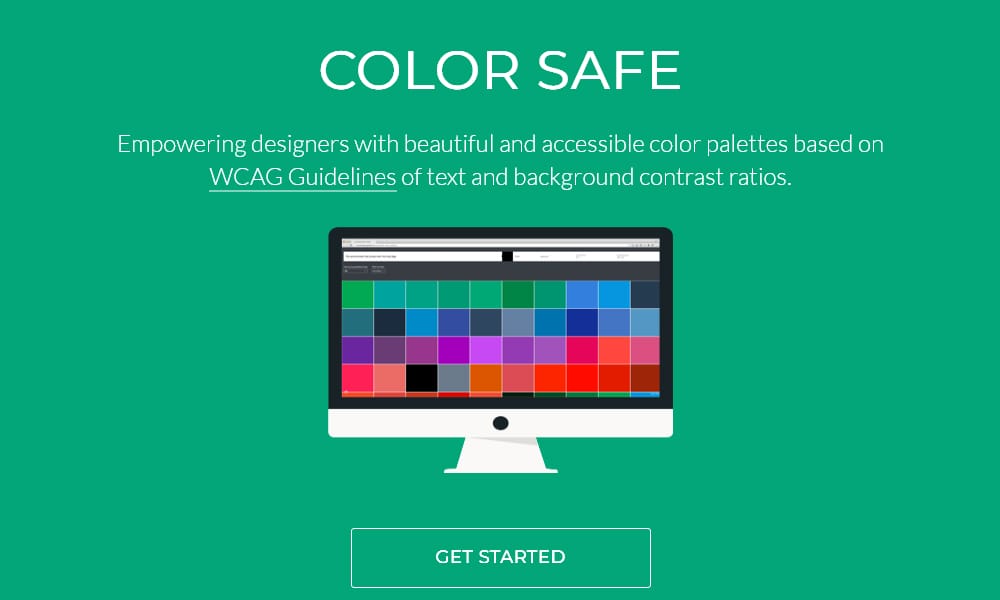
Color Safe helps you create accessible color palettes based on WCAG guidelines. You enter your background color, font family, and font size, and it generates a range of text colors that meet the required contrast ratio (AA or AAA) for that specific context.
- Key Features: Context-specific contrast generation (considers font size/weight).
- Best For: Finding a text color that is readable on a tricky background.
- Cost: Free.
Colorable
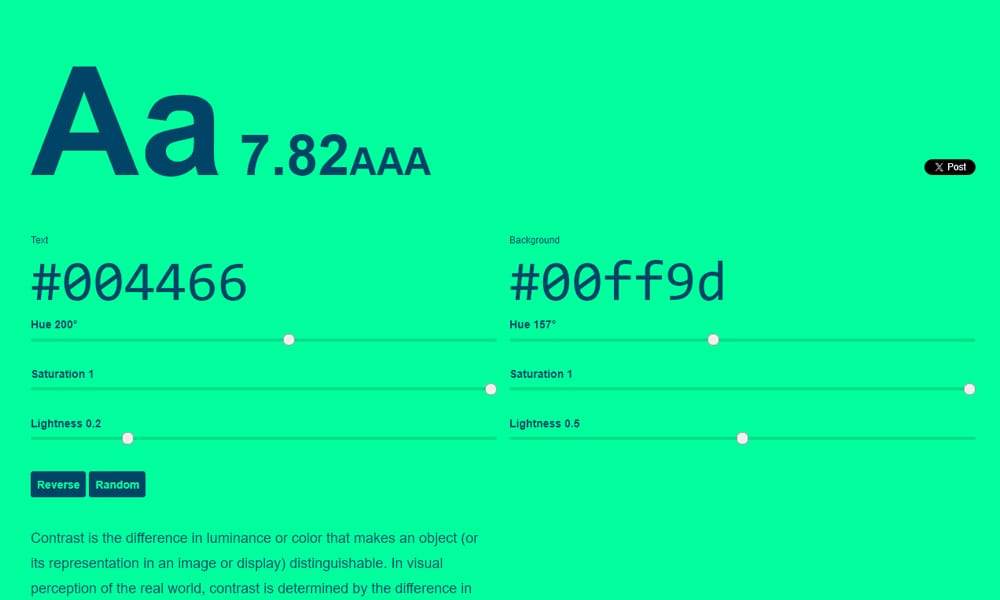
Colorable (by Jxnblk) is a simple, no-nonsense contrast tester. You pick a text color and a background color, and it gives you a massive “Pass” or “Fail” grade based on WCAG standards. It’s perfect for a quick check during a meeting.
- Key Features: Instant pass/fail contrast grading.
- Best For: Quick accessibility audits.
- Cost: Free.
Canva Color Palette Generator
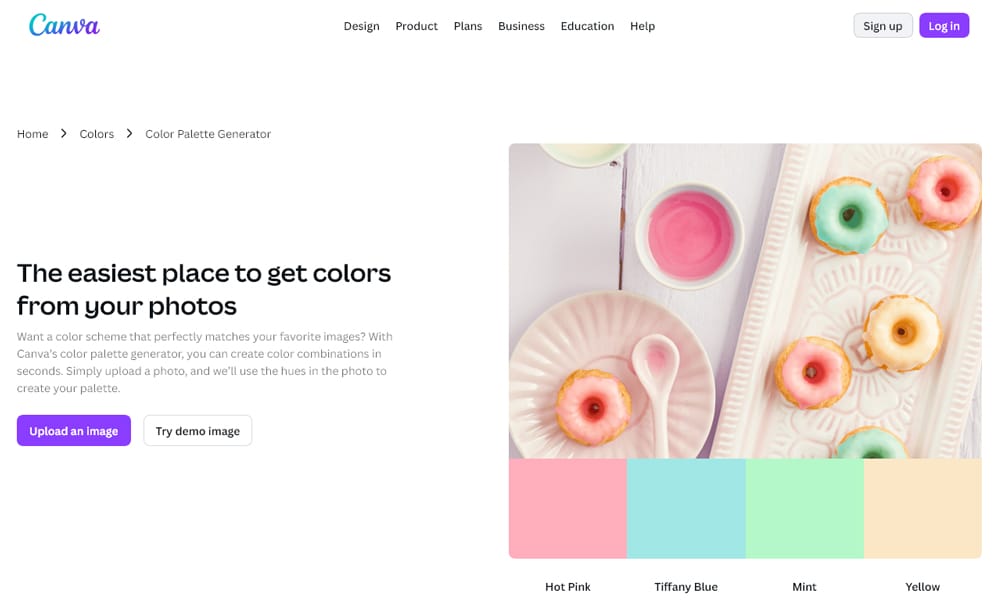
The Canva Color Palette Generator is the simplest tool for extracting colors from an image. You upload a photo, and it instantly spits out the four dominant colors. It’s less advanced than others, but for quick mood boarding from a client’s photo, it’s unbeatable.
- Key Features: Simple image upload and extraction.
- Best For: Quick extraction from a hero image or client logo.
- Cost: Free.
FAQ
Q: What is the 60-30-10 rule in color?
A: It’s a classic interior design rule that works for UI too. Use your primary color for 60% of the space (usually neutrals/backgrounds), your secondary color for 30% (cards/sections), and your accent color for 10% (CTAs/Buttons).
Q: How do I generate a color palette from an image?
A: Tools like Canva Color Palette Generator, Coolors, and Colormind allow you to upload a photo. They will analyze the pixels and extract the 4-5 dominant shades automatically.
Q: Which generator is best for accessibility?
A: Venngage Accessible Palette Generator and Leonardo Color are the best options. They prioritize contrast ratios (WCAG 2.1) during the generation process, ensuring your text is always readable against the background.
Conclusion
There has never been a better time to be a designer. Whether you need the AI smarts of Khroma, the live context of Realtime Colors, or the robust accessibility of Leonardo, one of these 29 tools will fit your workflow.


