Design Token Management Tools 2025: The Complete Guide to 15 Best Solutions
The divide between design and development has long been a source of friction in product teams. A designer updates a color in a design system, and three months later, developers are still using the old hex code. A spacing value changes, and suddenly the app looks inconsistent across platforms. This is where design token management tools come in—they’re the bridge that keeps design decisions synchronized across every platform, every team, and every product line.
If you’re building at scale, managing multiple brands, or just tired of manual design-to-code handoffs, you need the right tool. That’s exactly what we’ve tested and compiled in this guide: 15 of the best design token management solutions for 2025.
What Are Design Tokens (And Why They Matter)
Design tokens are reusable values that store design decisions—colors, typography, spacing, animations—in a format that both design tools and code can understand. Instead of hard-coding #0066FF in 50 places, you define it once as color.primary and reference it everywhere. Change it, and it updates globally. No more inconsistencies. No more manual hunting through codebases.
Key advantages of design tokens:
- Single source of truth for all design decisions across platforms
- Seamless handoff from design to development with zero ambiguity
- Support for theming and multi-brand systems with token variants
- Automation capabilities that eliminate tedious manual updates
- Cross-platform consistency (web, iOS, Android, design tools)
The real power of design tokens emerged when the W3C Design Tokens Community Group published the first stable specification in October 2025. Now, tools are building atop an open standard, meaning you’re not locked into proprietary formats. This is a fundamental shift in how design systems operate—and the 15 tools we’re covering all support or align with this movement.
See also
The 15 Best Design Token Management Tools for 2025
Figma-Native Solutions
Figma Variables (Built-In)
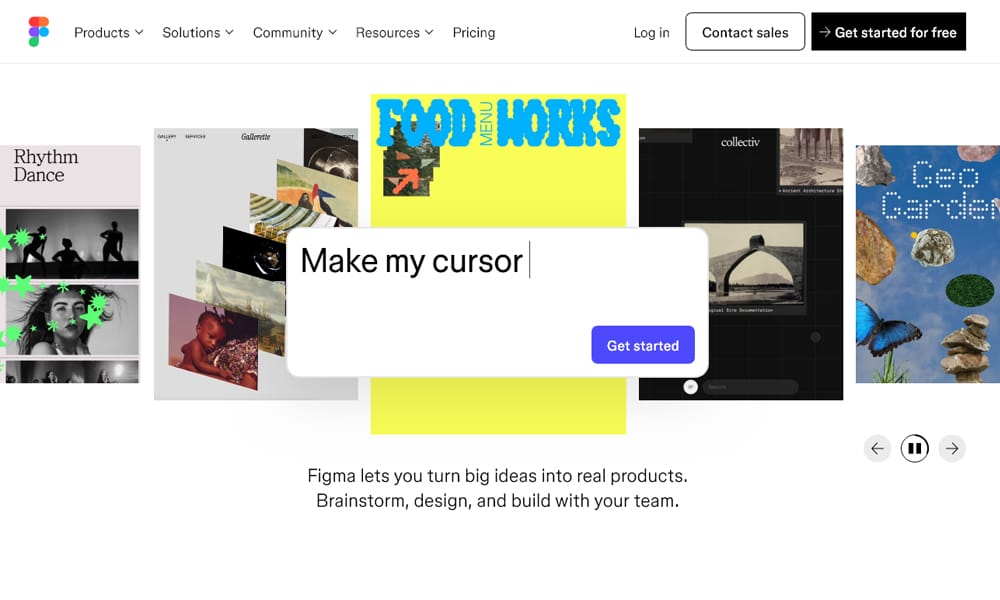
Figma’s native Variables feature is the baseline for token management if you’re already in the Figma ecosystem. Introduced in 2022 and continuously enhanced, Variables lets you define design decisions directly in Figma and reference them across your design files. Every change to a variable ripples through all components using it, maintaining consistency instantly.
Key Features:
- Define variables for colors, typography, spacing, and effects
- Multiple modes support (light/dark themes, brand variants)
- Automatic syncing across all file references
- Extended Collections (Nov 2025) for advanced grouping
- Scoped variables to specific design contexts
- Code Connect UI integration (Oct 2025) for mapping to repositories
Best For: Design teams already invested in Figma who need quick, native token support without additional plugins; simple to mid-complexity design systems.
Cost: Free (included with Figma Designer seat)
Paid Tier: Figma Designer seats start at $20/month per user (as of Mar 2025 price increase)
Pro Tip: Variables work best paired with Figma’s Check designs linter feature (released Oct 2025), which flags variable misuse and ensures consistency automatically.
Tokens Studio for Figma

If Figma Variables cover the basics, Tokens Studio is the power user’s toolkit. Available as both a free Figma plugin and a paid Studio platform, Tokens Studio extends token capabilities with 23+ token types, GitHub integration, multi-tool export, and automation workflows that most teams eventually need.
Key Features:
- 23+ token types (colors, typography, spacing, border radius, shadows, sizing, and more)
- GitHub integration for version control and CI/CD automation
- Export to CSS, JSON, CSS-in-JS, iOS, Android, and 10+ other formats
- Multi-file token syncing across Figma workspaces
- CLI/SDK for custom transformations
- Framer integration (Apr 2025 release) for cross-tool workflows
- W3C Design Tokens Specification v1 compliance
- Figma Variables compatibility layer
Best For: Teams managing complex design systems, multi-brand organizations, or developers who need programmatic access to tokens; design ops leaders building automation pipelines.
Cost: Free Figma plugin available; paid Studio platform pricing available at tokens.studio/pricing As of: November 2025
Pro Tip: Many teams use the free plugin for initial setup, then upgrade to Studio when they need GitHub integration or cross-platform export at scale.
Standalone Enterprise Token Platforms
Supernova
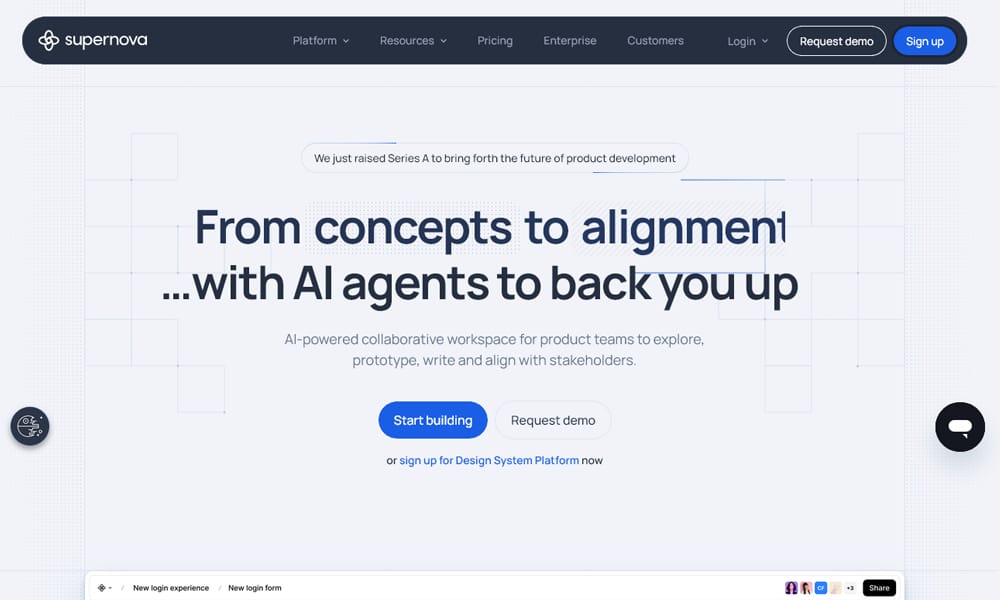
Supernova is the design token platform purpose-built for scale. It bridges design and code with a philosophy: designers own the tokens, developers benefit from them, and both collaborate seamlessly. It’s particularly strong in organizations managing complexity—multiple brands, dozens of token sets, distributed teams.
Key Features:
- AI-powered token generation and auto-suggestions
- Real-time sync with Figma and Sketch
- Approval workflows and governance controls
- 50+ export formats for any platform
- Multibranding and theming engine
- Version control and rollback capabilities
- Figma plugin with automated sync
- W3C Design Tokens v1 compliant
- Team collaboration with role-based permissions
Best For: Mid-to-large enterprises managing 3+ brands or 500+ tokens; teams needing approval workflows and governance; design ops leaders scaling design systems across large organizations.Cost: Starts at $35/full seat/month (annual billing) (as of December 2025)
Free Trial: 14 days available
Case Study: Userlane used Supernova to launch their design system in weeks instead of months, keeping designers and developers aligned without demanding extra developer time.
Pro Tip: Supernova’s AI credits feature (2024+ releases) lets you auto-generate semantic token names from your primitive tokens, cutting setup time dramatically for new color systems.
Knapsack
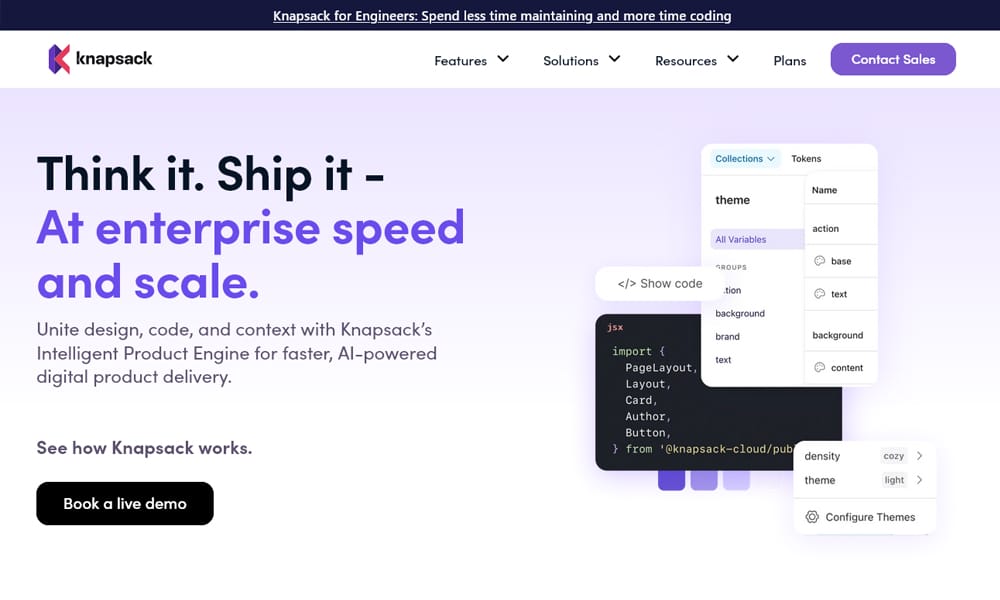
Knapsack is the enterprise-grade choice when you need not just token management but full design system governance. It manages design tokens, components, documentation, and permissions in one platform—with an emphasis on real-time collaboration and preventing design-code drift at the source.
Key Features:
- Real-time token and component sync
- Multi-workspace support for distributed teams
- Advanced permission controls (who can edit tokens, who can export)
- Component relationship mapping and dependency tracking
- Automated documentation generation
- Version control with audit trails
- Figma and Adobe XD integration
- W3C Design Tokens v1 support
- Custom token type support
Best For: Large enterprises with distributed teams, strict governance requirements, or organizations managing 10+ product lines; companies needing component-to-token relationship tracking.
Cost: Enterprise pricing (custom quotes; ranges reported $25k–$500k+ annually depending on scale)
As of: December 2025
Real Consideration: Knapsack’s opaque pricing model means budget discussions are necessary upfront. There’s no self-serve pricing page, but you can request a demo for a custom quote.
Pro Tip: If you’re considering Knapsack, compare it head-to-head with Supernova on governance and pricing; many mid-market teams find Supernova covers their needs at a fraction of the cost.
Specify
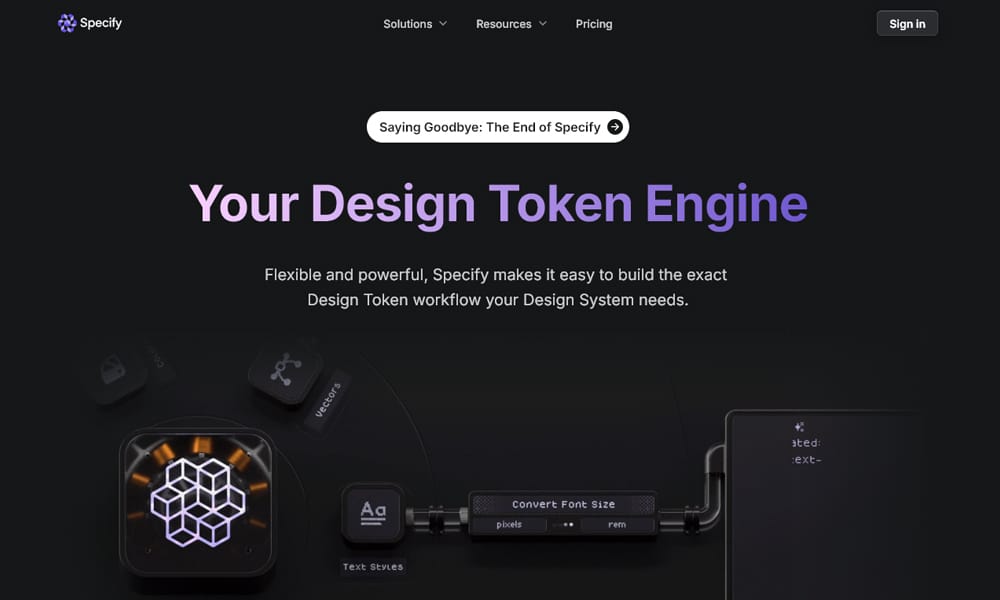
Specify is the designer’s token engine. It focuses on making token creation, management, and export intuitive for designers while maintaining the structure developers need. It supports 50+ token types and integrates with every major design platform.
Key Features:
- 50+ token types supported (the most comprehensive)
- Native integration with Figma Variables and Tokens Studio
- Multi-source sync (Figma, Variables, Tokens Studio simultaneously)
- Automation for token generation and naming
- Export to 15+ code formats
- Team collaboration with real-time sync
- Smart naming suggestions
- W3C Design Tokens compliant
Best For: Design-led organizations where designers drive token decisions; teams using multiple token sources (Figma Variables + Tokens Studio + external tools); shops needing maximum token type flexibility.
Cost: Pricing model available but not fully public; reach out to Specify for custom quote (as of December 2025)
Pro Tip: Specify shines when you’re using both Figma Variables (native) and Tokens Studio (plugin) simultaneously—it consolidates both sources into one source of truth.
Zeroheight
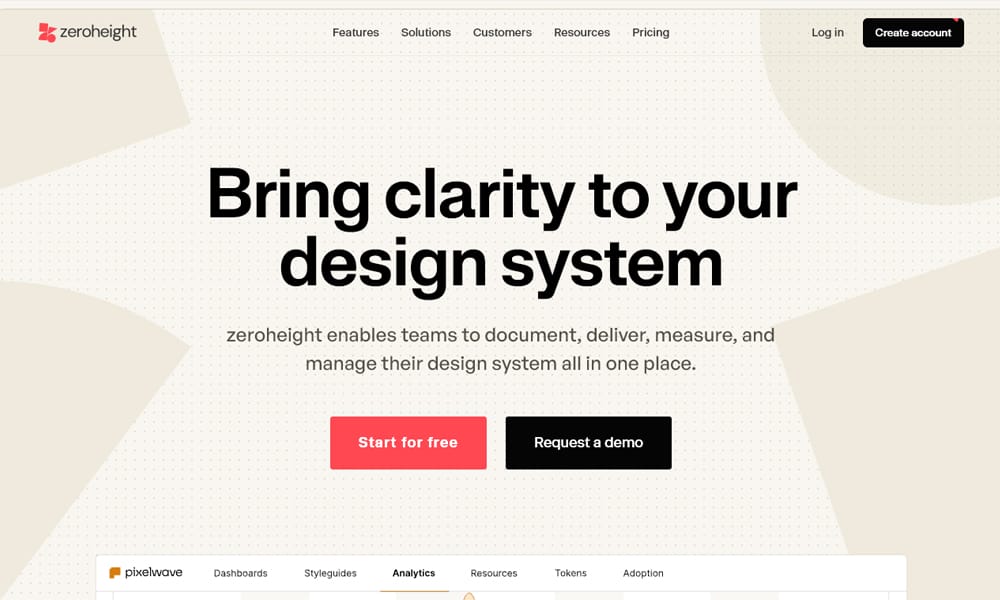
Zeroheight is the design system documentation platform that evolved into a token powerhouse. It manages tokens alongside component documentation, living guidelines, and handoff workflows all in one place. Perfect for teams who want tokens as part of a larger, documented design system.
Key Features:
- Design tokens documentation and visualization
- Component library with live previews
- Figma integrations with real-time sync
- Version control for design systems
- Slack integrations for notifications
- Token inspector and usage tracking
- Web-based editor (no installation needed)
- Free token manager tool (released early 2025)
- Multi-brand support
Best For: Teams managing documented design systems; organizations wanting tokens integrated with component guidelines and developer handoff materials; design systems that prioritize documentation-first workflows.
Cost: Free tier available; Starter at $49/month; Pro at $799+/month (as of June 2025)
As of: December 2025
Pro Tip: Zeroheight’s free token manager is perfect for small teams or as a proof-of-concept before committing to a paid design system platform.
Open-Source & Developer-First Tools
Style Dictionary (Amazon Open-Source)
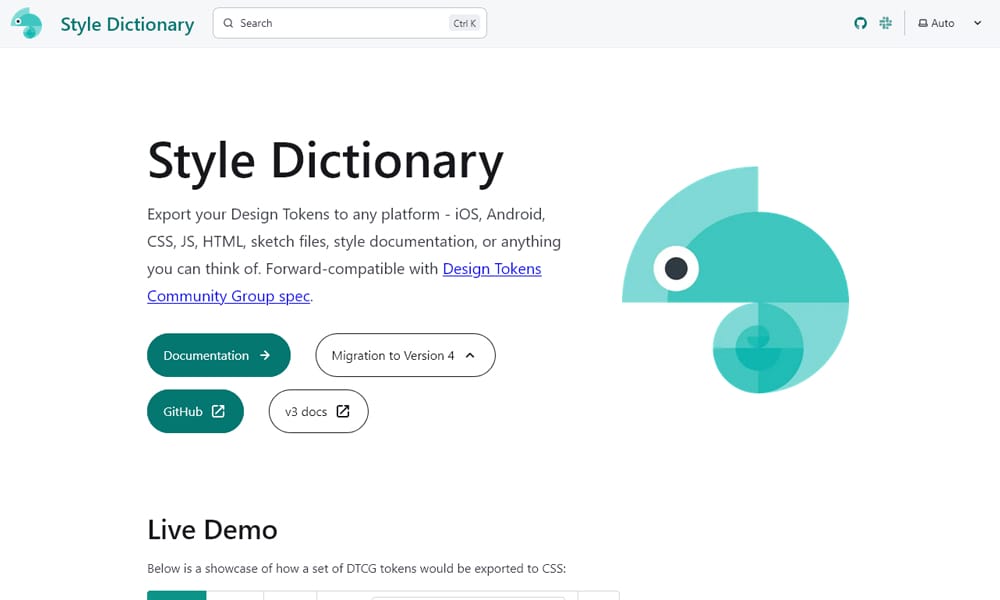
Style Dictionary is the canonical open-source token transformation engine. Created and maintained by Amazon UX, it’s the de facto standard for converting design tokens into platform-specific code. It’s not a design interface—it’s a command-line tool that does one thing exceptionally well: transform tokens into any format you need.
Key Features:
- Token transformation to 50+ platforms (CSS, SCSS, Less, iOS, Android, React Native, etc.)
- Custom format and filter support via CLI
- Version control friendly (JSON-based tokens in Git)
- Headless/scriptable for CI/CD pipelines
- Extensible architecture for custom transformations
- npm-based installation and integration
- Active maintenance with community contributions
- W3C Design Tokens v1 support
Best For: Developers who own token transformations; tech-forward design teams with CI/CD pipelines; organizations needing true platform-agnostic token architecture; teams comfortable with command-line tools.
Cost: Free and open-source (GitHub: salesforce-amazon/style-dictionary)
Last Updated: Active development (as of December 2025)Pro Tip: Style Dictionary pairs perfectly with GitHub Actions workflows. Check out “Getting Started With Style Dictionary” (Oct 2024) on Always Twisted for a step-by-step automation guide.
Theo
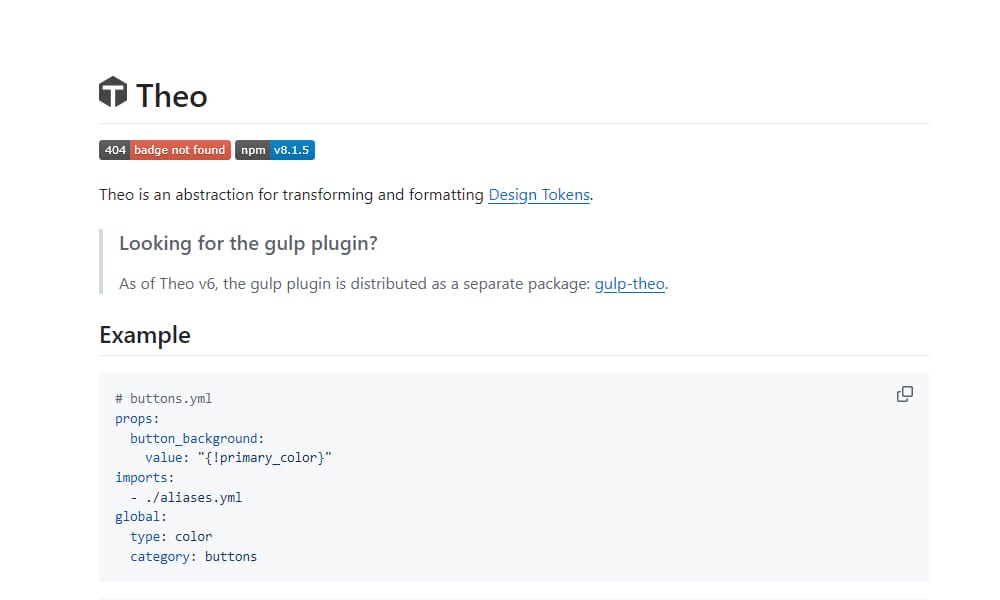
Theo is the original design token transformation tool from Salesforce, built for their massive Lightning Design System spanning iOS, Android, web, and custom platforms. It’s mature, battle-tested, and remains the benchmark for enterprise-scale token management.
Key Features:
- Token transformation to platform-specific formats
- Support for 10+ platforms (including less common ones like Sketch, Illustrator plugins)
- JSON-based token definitions
- Metadata support for custom token properties
- Documented schema for token structure
- Supported by Salesforce’s design team at scale
- No longer actively developed but remains stable
Best For: Teams managing 50+ products needing consistent theming; organizations that need tokens transformed to uncommon platforms; developers seeking a proven, stable token transformation approach.
Cost: Free and open-source (GitHub: salesforce-ux/theo)
Last Updated: Stable (core functionality complete; maintenance mode)
Real Consideration: Theo is no longer actively developed (last major update 2016), but it remains the gold standard for large-scale token architecture. If you have specific theming needs, it’s worth evaluating.
Pro Tip: Use Theo as a reference for building your own token schema if you have custom requirements not covered by other tools.
Tokenbase
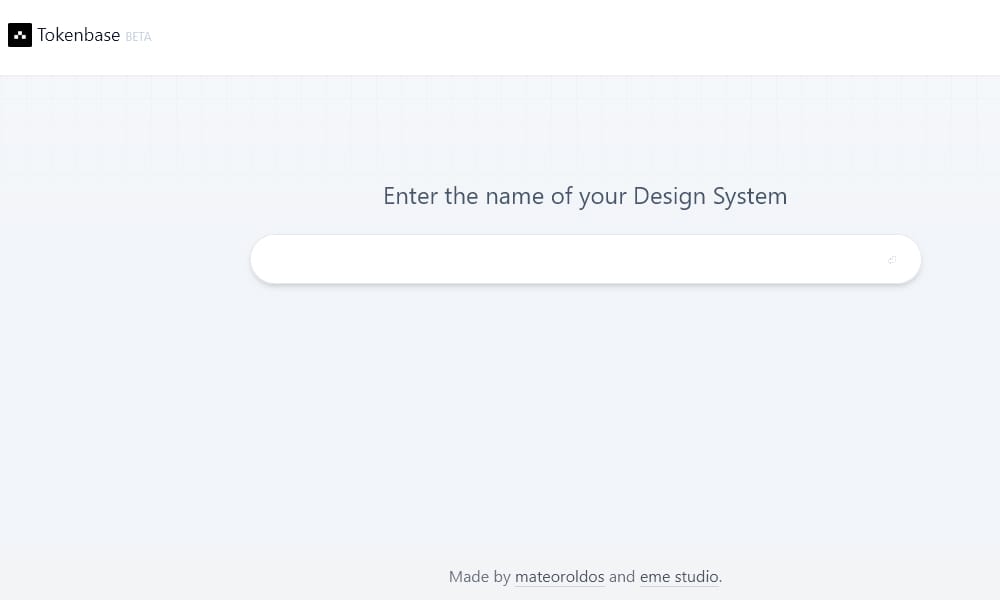
Tokenbase is the simplest free option for teams wanting a web-based interface without the complexity of larger platforms. Built with Svelte, it’s lightweight, privacy-friendly, and perfect for small teams or as a token management starting point before graduating to enterprise tools.
Key Features:
- Free web application (no installation required)
- Open-source (100% transparent; self-hostable)
- Design system templates to jumpstart setup
- Bulk token editing and shades generation
- Multi-theme support
- Export to CSS, SCSS, Less, JSON, Tailwind config, and more
- Design system templates for quick starts
- Active community on Reddit and GitHub
Best For: Freelance designers and small teams with tight budgets; proof-of-concept projects; teams wanting self-hosted token management; open-source advocates.
Cost: Free (GitHub: backlight-dev/tokenbase)Last Updated: Active beta (community-driven development)
Pro Tip: Tokenbase is perfect for testing token workflows before committing to a paid platform. Use it to validate naming conventions and export formats that work for your development setup.
Design Tools with Built-In Token Support
Penpot
Penpot is the open-source alternative to Figma, and it’s the first design tool to offer native support for W3C Design Tokens. Unlike plugins, Penpot’s token implementation is native to the platform, making it the most standards-aligned design tool available.
Key Features:
- Native W3C Design Tokens support (first in any design tool)
- Open-source and self-hostable
- Figma file compatibility (can import Figma projects)
- Real-time collaboration
- Component library management
- Token import/export in standard format
- No data privacy concerns (you own your data)
- 300% year-over-year growth (2024–2025)
- Free cloud version and self-hosted options
Best For: Design teams prioritizing open-source standards and data privacy; organizations wanting to self-host design tools; teams already using open-source infrastructure; designers comfortable with Figma-like workflows.
Cost: Free (cloud version); self-hosted option available
As of: November 2025
Pro Tip: If W3C compliance is non-negotiable for your organization, Penpot is the native design tool solution. Its token support means true interoperability with Style Dictionary, Theo, and other W3C-compliant tools.
UXPin (Code-Connected Design Tool)
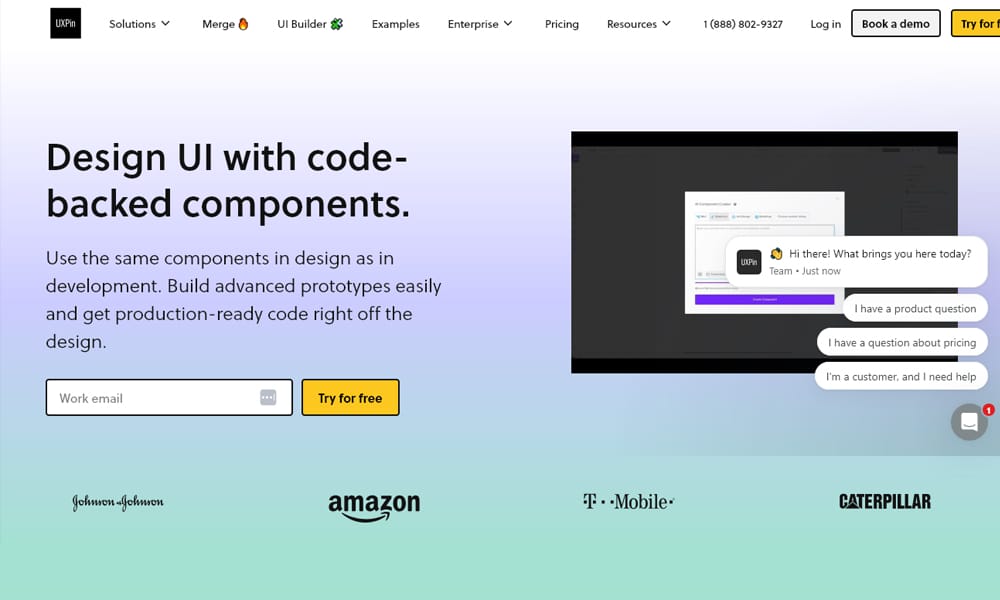
UXPin Merge is where design tokens meet code-backed components. Instead of designing with generic rectangles, you design with real React components. Tokens live in code, and the design tool accesses them directly, eliminating design-code drift entirely.
Key Features:
- Code-backed component design (design with real React/Vue components)
- Design tokens from JSON or CDN integration
- Merge technology for syncing design and code
- AI Component Creator generates React from design tokens
- Token import from JSON files or direct linking
- Support for tokens in colors, fonts, spacing, animations
- Real-time component sync between design and code
- W3C Design Tokens support (implementation in progress)
Cost: Pricing available on uxpin.com; freemium model with paid plans (as of December 2025)
UXPin Pro Tip: UXPin’s AI Component Creator feature (beta 2024–2025) automatically generates React components from your design tokens, cutting handoff friction dramatically.Framer
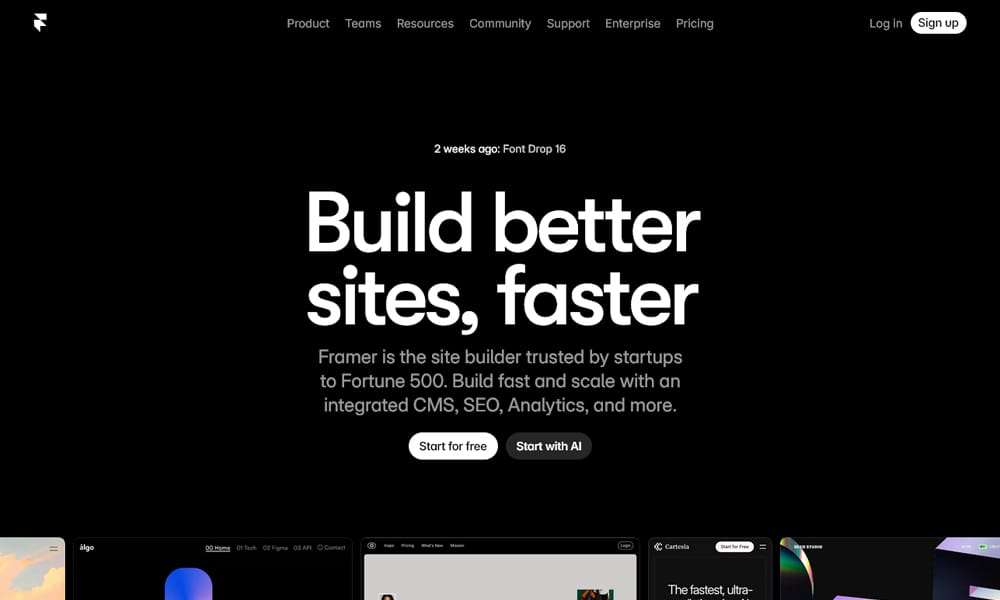
Key Features:
- Tokens Studio plugin integration (Apr 2025)
- Web components and interactive prototyping
- Code mode for developers
- Real-time collaboration
- CMS integration for dynamic content
- Token-driven component styling
- Publish to production-ready code
- API access for automation
Best For: Teams building web-first products with interactive prototypes; designers who code or want to; organizations wanting tokens in interactive prototypes; web-focused design systems.
Cost: Freemium model; pricing available on framer.com (as of December 2025)
Pro Tip: Use Framer when you want tokens + interactive prototypes in one tool. The Tokens Studio integration means you keep your tokens synced with Figma while building production-ready interactive experiences.
Headless CMS & Content-Driven Token Management
Contentful Design Tokens
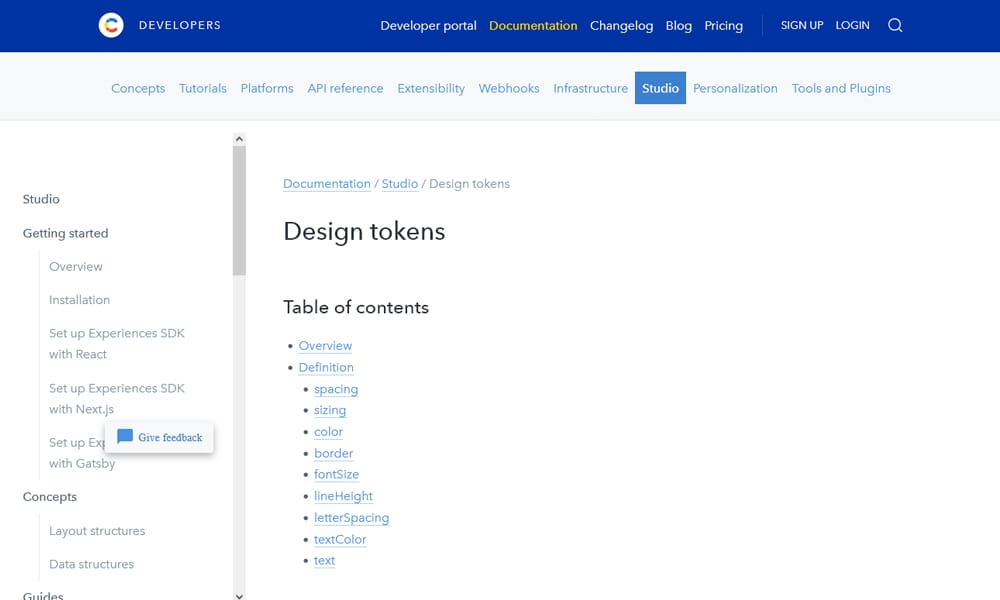
Contentful is a headless CMS, and its design tokens feature lets you define and manage design decisions alongside content. This is powerful for content-driven sites where tokens and content are equally important.
Key Features:
- Design tokens integrated into Contentful’s content model
- API-first token access
- Deliver tokens alongside content
- Preview environments for testing token changes
- Version control and publishing workflows
- Developer-focused GraphQL and REST APIs
- Multi-environment support (dev, staging, production)
- Token delivery to any platform via API
Best For: Content-heavy sites and applications; organizations using Contentful for content management who want tokens in the same system; API-first development teams; headless commerce platforms.
Cost: Contentful pricing varies; design tokens available in premium tiers (as of December 2025)
Pro Tip: Use Contentful Design Tokens when your content and design decisions are tightly coupled—e.g., e-commerce sites where product colors and sizes are both tokens and content.
Backlight.dev (Design System IDE)
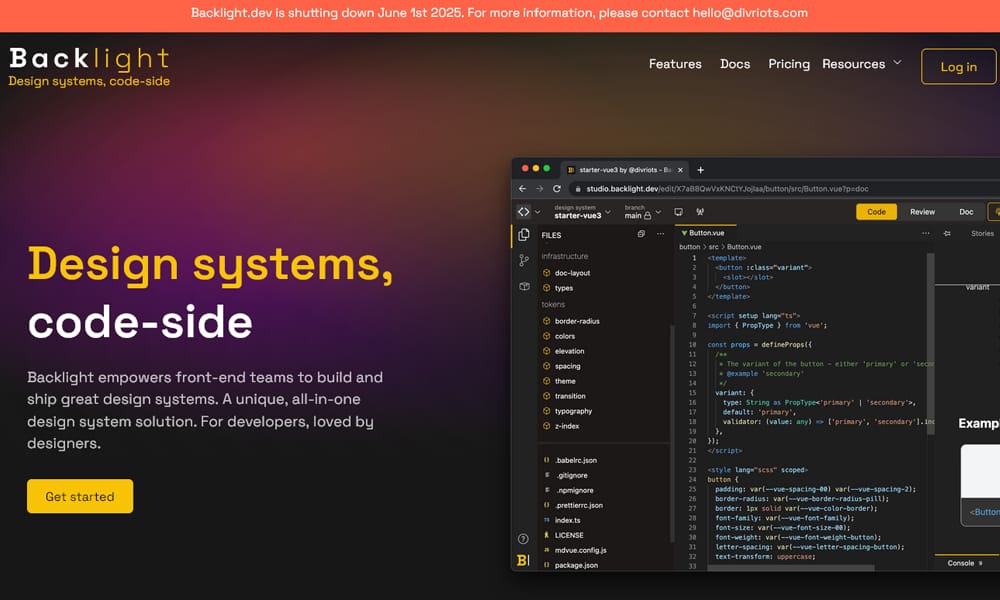
Backlight.dev is the design system IDE—an integrated environment for building, documenting, and shipping design systems. Design tokens are a core component alongside components, documentation, and code.
Key Features:
- Web-based design system IDE
- Design tokens with visual preview
- Component documentation with live code examples
- Story.to.design integration (auto-generate Figma component kits)
- MDX documentation support
- GitHub integration for version control
- Customizable design system documentation
- Built-in token viewer and inspector
- Multi-framework support (React, Vue, Svelte, etc.)
Best For: Full design system teams building end-to-end systems; organizations needing tokens + components + documentation in one tool; developers building component libraries; teams prioritizing developer experience.
Cost: Free tier; Pro at $149/month; Enterprise at $499+/month (as of May 2025)
As of: December 2025
Pro Tip: Backlight.dev’s Story.to.design feature auto-generates Figma component libraries from your Storybook stories. Pair this with design tokens for a fully connected design-to-code workflow.
The Open Standard: W3C Design Tokens Framework
W3C Design Tokens Framework (Specification v1 – Oct 2025)
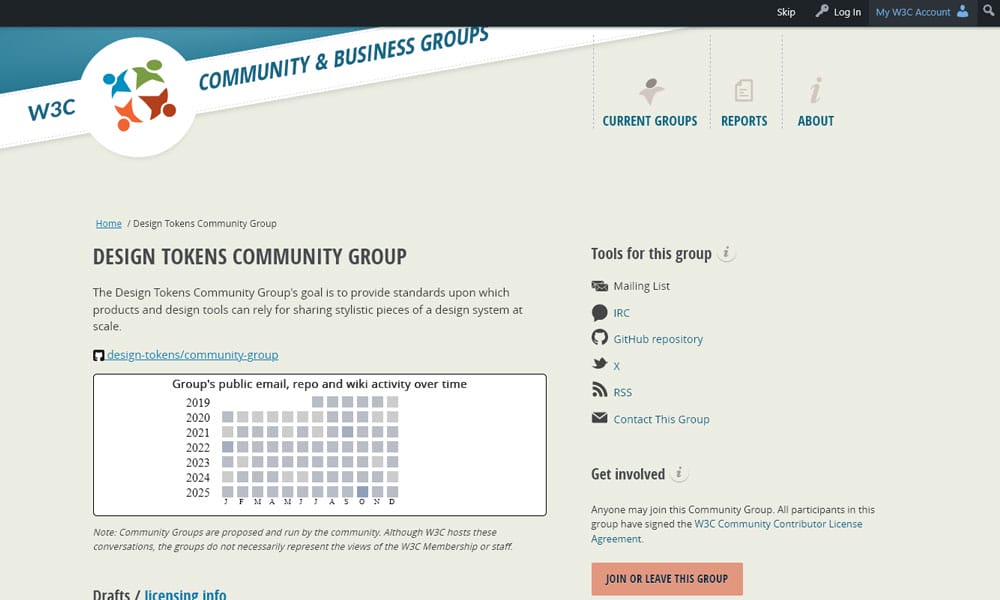
This isn’t a tool you buy—it’s the open standard that powers interoperability across all 14 tools above. The W3C Design Tokens Community Group published the first stable specification in October 2025, and it changes everything. This standard defines how design tokens should be structured, named, and exchanged between tools.
Key Features:
- Official W3C standardized token schema
- Structured JSON format for token definitions
- Support for modern color spaces (Oklch, Display P3, etc.)
- Built-in theming and modes support
- Cross-tool interoperability guarantee
- Vendor-neutral token architecture
- Community-driven development and updates
- Implementation support from 10+ tools
Why It Matters: With W3C v1 stable, you’re no longer locked into proprietary token formats. Export tokens from Figma, use them in Style Dictionary, sync to Penpot, and every tool understands the same language. This is the foundation for true design system portability.
Tool Support (v1 Compliant): Tokens Studio, Supernova, Knapsack, Specify, Zeroheight, Penpot, Figma (via import), Style Dictionary, Theo, Tokenbase, UXPin, Framer, Backlight.dev.
Best For: Everyone. If you’re setting up a design system today, build atop the W3C standard. It’s the future of design tokens.
Cost: Free (public standard)
Last Updated: Stable v1 released October 28, 2025
Pro Tip: When evaluating any token tool, check if it supports W3C Design Tokens v1. If it does, you’re investing in the future of design system portability.
How to Choose the Right Design Token Tool for Your Team
Your choice depends on three factors: team size, complexity, and workflow.
If You’re a Solo Designer or Small Team (<10 people):
Start with Figma Variables (if you use Figma) or Tokenbase (if you want a dedicated tool). Both are free, intuitive, and will cover 90% of your needs as you grow. Graduate to Tokens Studio when you need cross-platform export.
Example: You’re a freelancer managing tokens for a personal design system. Figma Variables handles colors and spacing. When a client asks for token export to CSS, the free Tokens Studio plugin solves it instantly.
If You’re Managing Multiple Brands or Products (Mid-Market, 10–50 people):
Supernova emerge as the sweet spot. It costs $35/seat/month but offers multi-brand support, approval workflows, and developer-friendly exports without enterprise pricing. Alternatively, use Tokens Studio if you’re Figma-centric and pair it with Style Dictionary for exports.
Example: You’re a design ops lead at a fintech company managing tokens for the main app, mobile app, and a partner portal. Supernova’s multi-brand engine and approval workflows prevent inconsistency across products.
If You’re an Enterprise or Large Design System (50+ people, 3+ brands):
Knapsack offers governance and scale. Supernova is the scrappier, more design-friendly alternative if budget is a constraint. For strict open-source requirements, combine Penpot + Style Dictionary + GitHub for complete control.
Example: You’re managing design systems across 12 product lines with 200+ designers and developers. Knapsack’s real-time sync and permission controls prevent token chaos while maintaining governance.
If You’re Code-First (Developer-Led):
Use Style Dictionary (transforms tokens to any format) + GitHub (version control) + CI/CD pipeline (automation). If you want a design interface, pair it with Penpot (open-source) or UXPin Merge (code-backed design).
Example: You’re an engineer building an internal component library. Style Dictionary transforms JSON tokens to CSS modules automatically on every commit. Your team never manually updates tokens.
If You Need Maximum Standardization (W3C Compliance):
Prioritize tools with full W3C v1 support: Tokens Studio, Supernova, Penpot, Style Dictionary, Knapsack. These ensure future portability and vendor neutrality.
Example: Your organization uses multiple design platforms (Figma + Penpot) and wants token portability. W3C v1 compliance ensures tokens move seamlessly between tools.
Common Mistakes Teams Make (And How to Avoid Them)
Mistake 1: Treating Tokens as Just Design Tool Features
Tokens aren’t Figma Variables—they’re strategic infrastructure. Many teams set up tokens in Figma, export once, and never sync again. Design drifts, code becomes stale.
Fix: Choose a tool with automation (Supernova, Tokens Studio with GitHub, Style Dictionary + CI/CD). Set up hooks, not one-time exports.
Mistake 2: Ignoring Naming Conventions Early
A poorly named token system becomes unmaintainable. Teams name tokens color.blue instead of color.primary.default, causing confusion when brands evolve.
Fix: Use W3C guidance and your framework (primitive → semantic → component). Document naming rules in your design system before creating 100+ tokens.
Mistake 3: Forgetting About Developer Adoption
Beautiful token systems fail when developers don’t use them. They rewrite styles, hard-code values, and ignore the source of truth.
Fix: Make token access frictionless. Style Dictionary in CI/CD pipelines means developers get tokens automatically. UXPin Merge means they code with tokens directly.
Mistake 4: Underestimating Version Control Needs
When a token breaks production, you can’t roll back. No audit trail means you don’t know who changed what or when.
Fix: Use tools with version control (Supernova, Knapsack, Backlight.dev with GitHub). For CLI tools, store tokens in Git with commit history.
Mistake 5: Not Planning for Multibranding
Teams add Brand B later and realize their tool can’t support token variants or themed sets. Now they’re migrating tools mid-project.
Fix: Choose a tool with multibranding from day one (Supernova, Knapsack, Specify, Tokens Studio). Even if you have one brand today, plan for flexibility.
Design Token Management Tools: The ROI
Why invest time in design token infrastructure?
Time Saved: Userlane launched their design system in weeks instead of months using Supernova. Instead of months of design-dev alignment meetings, tokens became the conversation. That’s months of engineering time regained.
Consistency Gains: InsArt’s design system ROI study (Aug 2025) found organizations achieve 135% ROI within 5 years from design system investment. Design tokens are the accelerant—they reduce design debt faster than component libraries alone.
Cross-Platform Speed: With tokens, adding dark mode or a new brand variant isn’t weeks of development. It’s token set definition + export. Change propagates everywhere simultaneously.
Budget Impact: A team of 5 designers + 5 developers managing consistent tokens saves roughly 2–3 hours weekly on design-code sync work. That’s 520+ hours annually—$20k–$40k in salary costs depending on team location and cost structure.
FAQ: Design Token Management Tools
Q: Do I need a design token tool, or can I use Figma Variables?
A: Figma Variables are a great start, but they’re limited. If you need to export tokens to code, support multiple brands, version tokens, or automate exports—you need an external tool. Use Figma Variables for design-side token definition, then Tokens Studio or Supernova for everything else.
Q: Is there a tool that works with both Figma and Penpot?
A: Yes. Tokens Studio works with both Figma and Penpot (after the Figma plugin architecture opened up). Specify, Zeroheight, and Backlight.dev also support multi-tool workflows. Penpot has native support; Supernova and Knapsack sync from Figma (Penpot support varies).
Q: Can I export design tokens to code automatically?
A: Absolutely. Style Dictionary, Tokens Studio, Supernova, Knapsack, and Specify all export to 10+ code formats (CSS, SCSS, JavaScript, Swift, Kotlin, etc.). Many integrate with GitHub Actions for automated export on every change.
Q: What’s the difference between design tokens and design variables?
A: Variables are tool-specific (Figma Variables, CSS custom properties). Design tokens are platform-agnostic values that represent design decisions. Tokens can become variables, but not all variables are tokens. W3C Design Tokens is the standard for portable design decisions.
Q: Do I need to pay for a tool, or are free options sufficient?
A: Free tools cover 80% of needs for small teams. Figma Variables, Tokenbase, Style Dictionary, and Penpot are genuinely powerful. Paid tools ($35/mo–$500k/yr) buy you automation, governance, multibranding, and team features that scale beyond DIY setups.
Q: Which tool will future-proof my token investment?
A: Prioritize W3C v1 compliance. Tokens Studio, Supernova, Penpot, Style Dictionary, and Knapsack all support it. This means you’re not locked into proprietary formats. Tokens export cleanly between tools.