20 Best Data Visualization Libraries for Web in 2025

What You’re Really Asking
When you search for “data visualization libraries for web,” you’re not really asking for a directory. You’re asking: Which one should I choose for my project?
This article answers that by doing something competitors don’t: we take actual editorial positions. We tell you which libraries to start with, which ones to skip entirely based on your situation, and which mistakes most developers make when picking one.
The research behind this piece validated 20 libraries as of December 2025, analyzed real developer pain points from Reddit and Stack Overflow, and identified what separates a good choice from a wrong one.
Here’s what you’ll learn:
- How to pick between lightweight and powerful libraries without analysis paralysis
- Why D3.js is powerful but dangerous for most projects
- Which library handles your data size (hint: not all of them)
- The one thing competitors miss: honest “avoid this if” guidance for each option
- Real performance benchmarks that matter
Who This Guide Is For (And Who Should Skip It)
You should read this if you’re:
- Picking a library for a new project
- Evaluating 2-3 options and need decision criteria
- Building dashboards, reports, or interactive visualizations
- A React developer, full-stack engineer, or data scientist
- Concerned about performance, cost, or maintenance
You should skip this if:
- You’ve already chosen and are past evaluation phase
- You’re building something with a single static chart (any library works)
- You work in a legacy codebase where the tech stack is locked in
The Three Biggest Mistakes We See Teams Make
Mistake #1: Picking By Popularity
Everyone knows D3.js. Most teams start there. Then they spend 4 weeks building what Recharts does in 2 hours. This guide avoids that by naming the right tool for your situation, not the most famous one.
Mistake #2: Ignoring Data Scale
A library that renders 100,000 points beautifully will choke on 10 million. We specify dataset limitations for each option so you don’t discover this in production.
Mistake #3: Assuming All Free Libraries Are Equivalent
“Free” ranges from “just as capable as paid tools” (ECharts) to “missing core features” (some older libraries). We’re specific about what free actually means for each one.
Decision Framework: Start Here
Answer these 3 questions to shortcut directly to your best match:
Q1: How many data points are you visualizing?
- < 1 million points → Jump to Tier 1 (Recharts, Chart.js, Nivo)
- 1-100 million points → Tier 1 & 2 (Highcharts, ECharts, D3.js with optimization)
- > 100 million points → Specialized tier (SciChart.js, LightningChart
Q2: What framework (if any)?
- React → Recharts, Visx, Nivo, TanStack Charts, MUI X Charts
- Vanilla JavaScript → D3.js, Plotly.js, Highcharts, ECharts, Chart.js
- Vue / Angular / Svelte → ECharts (most framework-agnostic)
- No specific framework → Plotly.js, Google Charts, Leaflet
Q3: What’s your budget and support needs?
- Free, open-source → ECharts, D3.js, Recharts, Chart.js, Nivo, Visx, Sigma.js
- Free + optional commercial support → Plotly.js, Deck.gl
- Paid, with enterprise support → Highcharts ($396+/yr), SciChart.js (custom), amCharts
- Freemium (free tier, paid upgrades) → ApexCharts, amCharts
See also
Best Data Visualization Libraries
TIER 1: Featured Picks — Use These First
These five libraries solve the majority of real-world use cases. Start here unless you have a specialized need.
D3.js
What it is: The JavaScript library for bespoke data visualization. When you need something custom—a non-standard chart type, pixel-perfect interactions, or visual effects you can’t build any other way—D3 is the answer.
Why it matters: D3 is the most powerful JavaScript visualization tool ever built. It also has the steepest learning curve. Most teams overestimate their need for it and underestimate the time cost.
Key Features:
- Complete control over visual output (SVG, Canvas, WebGL)
- Unmatched ecosystem of plugins and extensions
- Bindings available for React (Visx), Vue, Angular
- 1.9M+ weekly NPM downloads; 103K+ GitHub stars
- Actively maintained by Observable
Best For: A team with strong JavaScript skills building a one-of-a-kind visualization that existing libraries can’t handle. Art installations. Scientific research presentations. Data journalism.
When to Avoid:
- You need something “done tomorrow”
- Your team has no prior visualization experience
- You’re building a standard dashboard (use Recharts instead)
- You want out-of-the-box styling (D3 requires manual design work)
Cost: Free
— Open-source (BSD license)
— No commercial support tier
— Community support via forums
Real-World Insight: A common mistake: teams choose D3 because it’s famous, spend 2-3 weeks on the learning curve, then realize Recharts would’ve shipped in 1/4 the time. D3’s true value is customization, not speed. Use it only when existing libraries actually can’t do what you need. Visx (below) is D3 for React—often a smarter choice.
Last Updated: December 2025 (v7.x stable)
Recharts
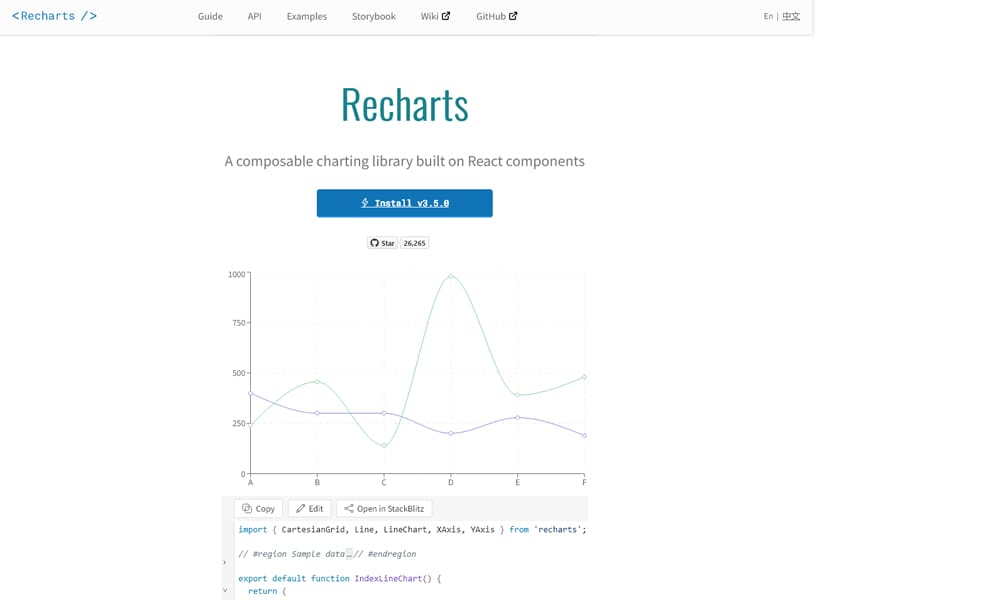
What it is: The charting library built for React. Declarative, component-based, ships with 20+ pre-built chart types, and requires almost no SVG or D3 knowledge.
Why it matters: Recharts is what most React teams should use. It gives you 80% of what D3 offers in 1/10th the code. It’s why you see it mentioned in every React dashboard article.
Key Features:
- Built on D3 but abstracts the complexity away
- Responsive and mobile-first by default
- 25+ chart types (line, bar, scatter, radar, etc.)
- Composable architecture (easy to extend)
- 1.1M+ weekly NPM downloads; 18.9K GitHub stars
- Handles up to 10K data points smoothly
Best For: Any React project building dashboards, analytics, or internal tools. If you’re building in React and visualizing data, Recharts is your default choice.
When to Avoid:
- You need to visualize >10 million points (performance drops)
- You need pixel-perfect custom styling (it’s opinionated about design)
- You need real-time streaming with 60 FPS (canvas rendering, not SVG)
Cost: Free
— Open-source (MIT license)
— Community maintained
— Extensive documentation and examples
Real-World Insight: Most Recharts projects succeed because teams ship fast and iterate. The limitation: it renders to SVG, which is slow above 10K points. For larger datasets, drop down to ECharts or add Canvas rendering. Recharts + server-side aggregation (pre-summarizing data) is the production pattern most teams use.
Last Updated: December 2025 (stable, actively maintained)
Highcharts
What it is: The enterprise standard. Highcharts is production-grade, has been around for 15+ years, comes with 50+ chart types, and companies pay for commercial licenses and support.
Why it matters: Highcharts is what banks, insurance companies, and Fortune 500 firms use. Not because it’s the sexiest, but because it’s reliable, well-supported, and does what it promises.
Key Features:
- 50+ pre-built chart types
- Pixel-perfect output, publication-ready
- Real-time updating and streaming data support
- Accessibility features built in (WCAG compliance)
- TypeScript support (v12.x, released Apr 2025)
- Commercial support and SLAs available
Best For: Enterprise dashboards, financial reporting, regulated industries (finance, healthcare), teams with compliance requirements, projects where reliability > cost.
When to Avoid:
- You’re a startup with zero budget
- You only need a basic line chart (overkill)
- You want total design control (Highcharts has strong opinions)
- You need Apache license (it’s proprietary)
Cost: Starts at $396.90/year (perpetual single developer license)
— Annual licenses: $176-$868 per seat
— Enterprise: Custom pricing (request quote)
— Free for non-commercial use
— As of: December 2025
Real-World Insight: Highcharts pricing confuses people, but it’s actually reasonable at scale. One team per $397/year is cheap compared to hiring a developer to build custom charts. The real cost is integration time—Highcharts has its own API that’s different from other libraries, so switching later is expensive. Commit to it if you pick it.
Last Updated: December 2025 (v12.x with TypeScript support)
Three.js
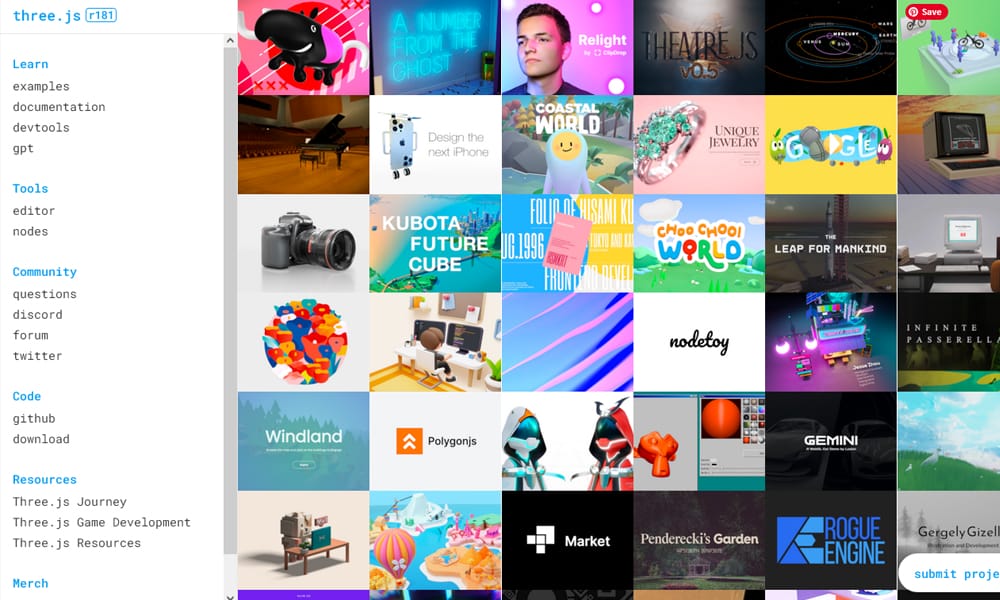
What it is: The JavaScript 3D library. If you need 3D visualizations, immersive experiences, or WebGL rendering in the browser, Three.js is the de facto standard.
Why it matters: Three.js makes WebGL approachable. Without it, you’d write thousands of lines of raw WebGL. With it, you write dozens and get professional-grade 3D output.
Key Features:
- Complete 3D engine for the browser
- 100+ built-in geometries and materials
- Lighting, shadows, reflections, post-processing effects
- Camera controls and animation system
- 151K+ GitHub stars; industry standard since 2010
- Extensive ecosystem of tools and libraries
Best For: Data visualization projects requiring 3D (molecular structures, geographic models, financial data in 3D space), interactive product visualizations, immersive web experiences, scientific visualization.
When to Avoid:
- You only need 2D charts (use Recharts, ECharts instead)
- You need quick turnaround (3D work takes longer)
- Your users are on older devices (performance matters)
- You have no 3D graphics experience (learning curve is real)
Cost: Free
— Open-source (MIT license)
— Community support
— Extensive tutorials and documentation
Real-World Insight: Three.js excels at 3D but becomes slow when combined with excessive data. A 3D scatter plot with 1 million points will lag. Combine Three.js with data aggregation or use a specialized library (SciChart.js) for massive datasets. For most 3D projects, Three.js + good CPU-side optimization beats trying alternatives.
Last Updated: December 2025 (stable, regularly updated)
Apache ECharts
What it is: The high-performance visualization library built by Alibaba and maintained by Apache. ECharts is to 2D charting what D3 is to custom visualization—powerful, feature-complete, and framework-agnostic.
Why it matters: ECharts renders with Canvas (not SVG), making it 10x faster than Recharts or Highcharts on large datasets. It’s the library to use when performance is your constraint.
Key Features:
- 25+ chart types with Canvas + WebGL rendering
- Handles 10+ million points smoothly
- Built-in data aggregation and filtering
- Real-time data support with streaming mode
- Tree-shaking and modular builds
- 64.7K GitHub stars; 2.3M+ weekly NPM downloads
- Apache license (fully open-source)
Best For: Dashboard teams visualizing millions of data points, financial applications requiring real-time charts, geographic visualization at scale, any project where performance is critical.
When to Avoid:
- You only need basic charts (simpler libraries are easier)
- You need highly customized styling (ECharts is opinionated)
- You’re on a very tight deadline (docs require study)
Cost: Free
— Open-source (Apache 2.0 license)
— Community maintained
— Commercial support available (third-party)
Real-World Insight: ECharts is criminally underrated in the JavaScript community because it’s less popular than D3 or Recharts. But if you care about performance, ECharts is technically superior. The trade-off: API is less intuitive than Recharts. Spend a weekend with the docs and you’ll save weeks on performance optimization later.
Last Updated: December 2025 (v5.4.x stable, actively maintained)
TIER 2: Core Tools — Specialized Use Cases
These 7 libraries handle the next tier of needs: specific frameworks, unique use cases, or niche requirements.
Plotly.js
What it is: A full-featured charting library with both JavaScript (Plotly.js) and server-side bindings (Python, R, MATLAB). Popular in data science and academic communities.
Why it matters: Plotly bridges the gap between desktop statistical tools and web visualization. If your data scientists want to publish interactive charts directly, Plotly is seamless.
Key Features:
- 40+ interactive chart types
- Out-of-the-box interactivity (hover, selection, zoom)
- Python/R bindings (Jupyter notebooks)
- WebGL support for 3D scatter and surface plots
- Built-in export to SVG/PNG
- Free library with optional Plotly Cloud SaaS
Best For: Data science teams publishing from Jupyter, academic research, physics/chemistry visualization, any project where multiple stakeholders use different tools (Python, R, web).
When to Avoid:
- You need minimalist bundle size (Plotly is heavy)
- You’re building real-time dashboards requiring 60 FPS
- You care deeply about design control (styling is limited)
Cost: Free (library) + Optional Plotly Cloud
— Plotly.js library: Free (MIT license)
— Plotly Cloud (collaborative): $29-$199/month
— Self-hosted options available
— Last Updated: December 2025
Real-World Insight: Plotly’s strength is export-ability. Data scientists can go from Jupyter → interactive web chart → shared dashboard without rewriting code. The weakness: it’s heavier than Recharts and slower than ECharts for massive datasets. Use Plotly when stakeholders value sharing over performance.
Last Updated: December 2025 (actively maintained)
Chart.js
What it is: The minimalist charting library. Small bundle, simple API, zero dependencies. If you only need basic charts (line, bar, pie), Chart.js does the job in 50KB.
Why it matters: Chart.js proves you don’t need a 500KB bundle to display a chart. It’s the anti-bloat option.
Key Features:
- 8 chart types (line, bar, radar, doughnut, etc.)
- Responsive and mobile-first
- Canvas rendering (fast)
- Tiny bundle size (~50KB)
- 2.1M+ weekly NPM downloads; 58K GitHub stars
- Extremely simple API
Best For: Lightweight projects, content marketing sites, dashboards where performance matters more than features, projects already using a larger framework (Vue, Angular) where bundle size compounds.
When to Avoid:
- You need advanced chart types (use Recharts or ECharts)
- You need real-time updating (slow with streaming)
- You’re building a data exploration tool (too basic)
Cost: Free
— Open-source (MIT license)
— Community maintained
— Simple documentation
Real-World Insight: Chart.js is perfect for projects where developers say “we need a chart, not a visualization framework.” It excels at “here’s the data, show me a bar chart” situations. The limitation: if your needs grow, you’ll rewrite. Start with Chart.js only if you’re confident your charting needs are simple.
Last Updated: December 2025 (stable, well-maintained)
ApexCharts
What it is: A modern charting library emphasizing beautiful defaults and ease of use. Charts look great immediately without design tweaking.
Why it matters: ApexCharts fills a gap: it’s simpler than Highcharts, more styled than Chart.js, and better for dashboards that need to look polished quickly.
Key Features:
- 15+ chart types with beautiful defaults
- Interactive tooltips, drill-down, export
- Responsive and animated
- TypeScript support
- Community free tier + Pro ($349/yr) and Premium ($599/yr)
- 14.9K GitHub stars
Best For: Dashboard startups, product teams prioritizing design velocity, internal tools where “good enough” design matters, teams avoiding design hire.
When to Avoid:
- You need extreme customization (opinionated on styling)
- You need to visualize >1 million points (performance issues)
- You want pure open-source (free tier exists but Pro is recommended)
Cost: Starts at Free (community)
— Pro: $349/year
— Premium: $599/year
— OEM/Enterprise: Custom pricing
— As of: December 2025
Real-World Insight: ApexCharts’ real value is speed to ship. You copy-paste an example, change the data, and you have a dashboard-ready chart in 10 minutes. The trade-off: less control than D3 or Recharts. Pick ApexCharts when “ship fast” beats “maximum customization.”
Last Updated: December 2025 (actively maintained)
Nivo
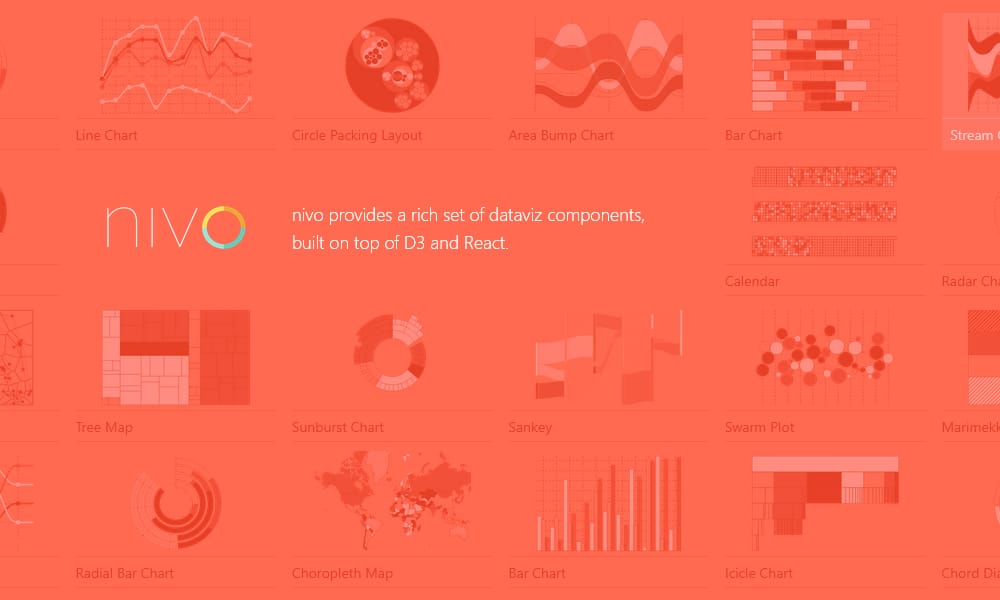
What it is: A React library providing 20+ pre-built charts with server-side rendering support. Nivo bridges the gap between Recharts’ simplicity and D3’s power.
Why it matters: Nivo supports rendering charts on the server (Node.js), making it the only mainstream choice for Next.js teams needing to export charts as static images.
Key Features:
- 20+ chart types (line, bar, scatter, heatmap, sankey, etc.)
- Server-side rendering (critical for Next.js/Gatsby)
- Beautiful default theme
- Interactive legend, tooltips, drill-down
- Built on D3 (under the hood) but abstracted for React
- 13K GitHub stars
Best For: React teams using Next.js, teams needing to export charts as images, projects where server-side rendering is a requirement, organizations wanting D3 power without D3 complexity.
When to Avoid:
- You need non-React environments (Vue, vanilla JS)
- You need to render >10K points (performance drops)
- You’re using vanilla or older React patterns (not hooks-friendly)
Cost: Free
— Open-source (MIT license)
— Community maintained
— Responsive documentation
Real-World Insight: Nivo’s SSR capability is its superpower. If you’re building dashboards in Next.js and need to generate charts as static assets (emails, PDFs, social images), Nivo is the only library that makes it simple. Without SSR, you’d be capturing screenshots, which is terrible.
Last Updated: December 2025 (actively maintained)
Visx
What it is: Airbnb’s React wrapper around D3 primitives. Visx is D3 without the learning curve—you get flexibility but write React code, not raw D3.
Why it matters: Most teams want D3’s power but don’t want to learn D3’s API. Visx is the answer. It’s also what Airbnb uses internally for production dashboards.
Key Features:
- Low-level D3 components (axes, scales, shapes, etc.)
- Full D3 power via React composition
- Tree-shaking friendly (import only what you use)
- TypeScript-first design
- 17.5K GitHub stars
- Extensive examples and documentation
Best For: React teams wanting D3 flexibility without D3 learning curve, custom chart types, data visualization specialists, projects where power > simplicity.
When to Avoid:
- You need pre-built chart types (you build everything)
- You want speed to market (requires more code than Recharts)
- You have non-React frontends
Cost: Free
— Open-source (Apache 2.0 license)
— Airbnb-maintained
— Community support
Real-World Insight: Visx is the “right” choice for teams that outgrow Recharts but don’t want to learn D3. The trade-off: you write more code. A Recharts pie chart is 20 lines; a Visx pie chart is 60 lines. Worth it if you need customization, wasteful if you don’t.
Last Updated: December 2025 (actively maintained by Airbnb)
Vega-Lite
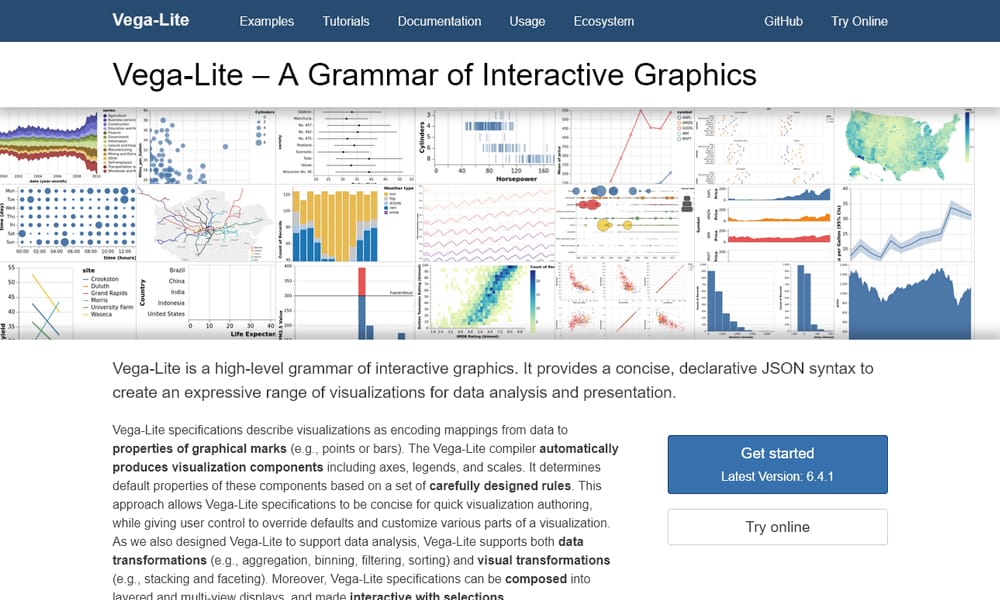
What it is: A high-level grammar for interactive graphics. Instead of imperative code, you write declarative specifications. Similar to ggplot2 in R, but for the web.
Why it matters: Vega-Lite lets data scientists and less experienced developers create complex visualizations declaratively. No JavaScript experience needed.
Key Features:
- Declarative grammar (JSON-based specifications)
- Automatic selection of encodings (best chart type)
- Interactive selection and filtering built-in
- Integration with Jupyter notebooks
- Composable components (faceting, layering)
- Open-source (BSD license)
Best For: Data scientists, exploratory data analysis, teams using Jupyter, organizations where analysts (non-engineers) need to create visualizations, academic and research settings.
When to Avoid:
- You need application-level interactivity (Vega is visual focus)
- You’re building a React application (integration is awkward)
- You need to visualize real-time streaming data
Cost: Free
— Open-source (BSD license)
— Community maintained
— University of Washington backing
Real-World Insight: Vega-Lite is brilliant if your workflow is Jupyter → visualization. Less useful in production web apps. Think of it as a bridge: analysts use Vega-Lite to explore, then you port to Recharts/ECharts for production.
Last Updated: December 2025 (v6.4.1 latest)
Deck.gl
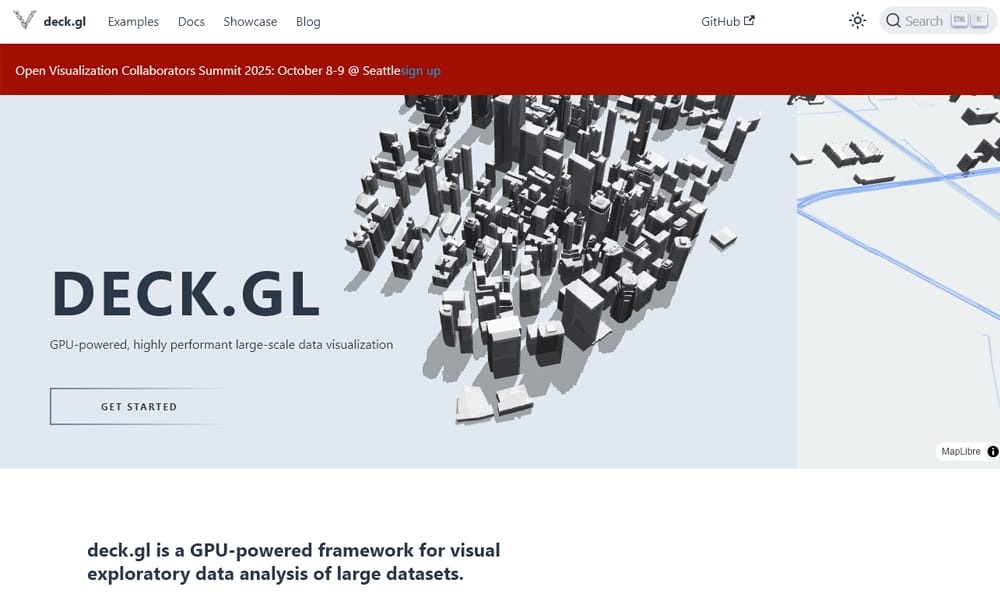
What it is: Uber’s GPU-accelerated geospatial visualization library. If you’re building maps with millions of data points (traffic, logistics, geographic analysis), Deck.gl is the only reasonable choice.
Why it matters: Deck.gl renders through WebGL, making it 100x faster than traditional map libraries for massive datasets. It powers Uber’s internal tools and is used by major tech companies.
Key Features:
- GPU-accelerated rendering
- 20+ layer types (HexagonLayer, ScatterplotLayer, ArcLayer, etc.)
- Integration with Mapbox GL and Google Maps Platform
- Handles 1M+ points at 60 FPS
- Open-source (Apache 2.0)
- First-class TypeScript support
Best For: Geospatial visualization, real-time location tracking, heat maps, logistics platforms, any project with millions of geographic data points.
When to Avoid:
- You’re building regular (non-geographic) charts
- You only have thousands of data points (overkill)
- You need traditional map UI (Deck.gl is low-level)
Cost: Free
— Open-source (Apache 2.0 license)
— Uber-maintained
— Commercial support available
Real-World Insight: Deck.gl’s value is extreme scale. A heatmap of 1M+ locations that would crash traditional libraries renders instantly. The learning curve is steeper than Leaflet or basic mapping libraries, but worth it if you have the data volume.
Last Updated: December 2025 (actively maintained by Uber)
TIER 3: Specialist Tools — Niche and Advanced
These 8 libraries serve specific scenarios: 3D animation, real-time performance, enterprise licensing, or domain-specific needs.
TanStack Charts
What it is: A headless, low-level charting library for React. You get the logic; you provide the rendering. Maximum flexibility, minimal opinions.
Why it matters: Most charting libraries are opinionated. TanStack Charts flips that: it’s the framework, you’re the designer. Useful for teams wanting power without lock-in.
Key Features:
- Headless architecture (logic without UI)
- Handles 1K-10K points smoothly
- Deep integration with React hooks
- Composable, minimal dependencies
- D3 under the hood but React-friendly
- MIT license, community maintained
Best For: React teams needing custom chart UI, design systems where you control everything, performance-critical applications, teams avoiding vendor lock-in.
When to Avoid:
- You want pre-built charts (you must design them)
- You need quick time-to-market
- You have non-React codebases
Cost: Free
— Open-source (MIT license)
— Community supported
Real-World Insight: TanStack Charts is for architects, not quick dashboards. If you need a pie chart in an hour, use Recharts. If you need a pie chart that matches your exact design system, TanStack Charts is worth the extra effort.
Last Updated: December 2025 (actively maintained)
Victory
What it is: A composable charting library for React. Charts built as React components with a shallow learning curve but deep customization.
Why it matters: Victory sits between Recharts and Visx in the power spectrum. Not as simple as Recharts, not as complex as Visx, but good at both.
Key Features:
- 10+ interactive chart types
- Full React component API
- Animations and transitions
- Server-side rendering support (Node.js)
- 10.2K GitHub stars
- 188K+ weekly NPM downloads
Best For: React applications wanting more control than Recharts but simpler than Visx, teams valuing animations and transitions, projects using Node.js for data aggregation.
When to Avoid:
- You need extreme performance (not optimized for 10K+ points)
- You want zero customization (it’s more opinionated than Recharts)
Cost: Free
— Open-source (Apache 2.0 license)
— FormidableLabs-maintained
— Community support
Real-World Insight: Victory is the overlooked middle ground. It’s less known than Recharts, so fewer teams use it. But if you want more power than Recharts without D3 learning, Victory deserves a look.
Last Updated: December 2025 (actively maintained)
MUI X Charts
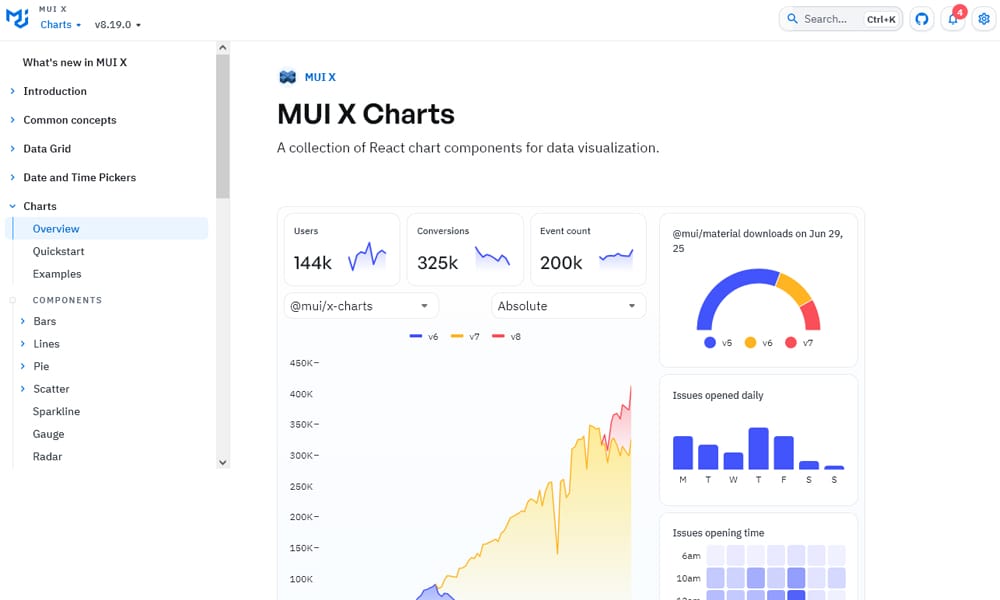
What it is: The charting library within Material-UI (MUI) ecosystem. If you’re already using MUI components, MUI X Charts integrate seamlessly with your design system.
Why it matters: MUI X Charts ensures visual consistency with your component library. No theme mismatch, no style overrides, perfect alignment.
Key Features:
- 5+ chart types (line, bar, scatter, pie, radar)
- Native MUI theming integration
- Responsive and mobile-optimized
- TypeScript-first
- Part of the MUI suite (including data grid, date picker, etc.)
Best For: Teams already using MUI for component infrastructure, design systems built on Material Design, React applications prioritizing design consistency.
When to Avoid:
- You’re not using MUI (integration value drops)
- You need advanced chart types (limited selection)
- You need non-React implementations
Cost: Free community tier
— Professional plan available for enterprise features
— As of: December 2025
Real-World Insight: MUI X Charts value scales with MUI adoption. If MUI is your design system, use MUI X Charts—it’s that simple. If you’re not using MUI, other options are more flexible.
Last Updated: December 2025 (actively maintained by MUI team)
SciChart.js
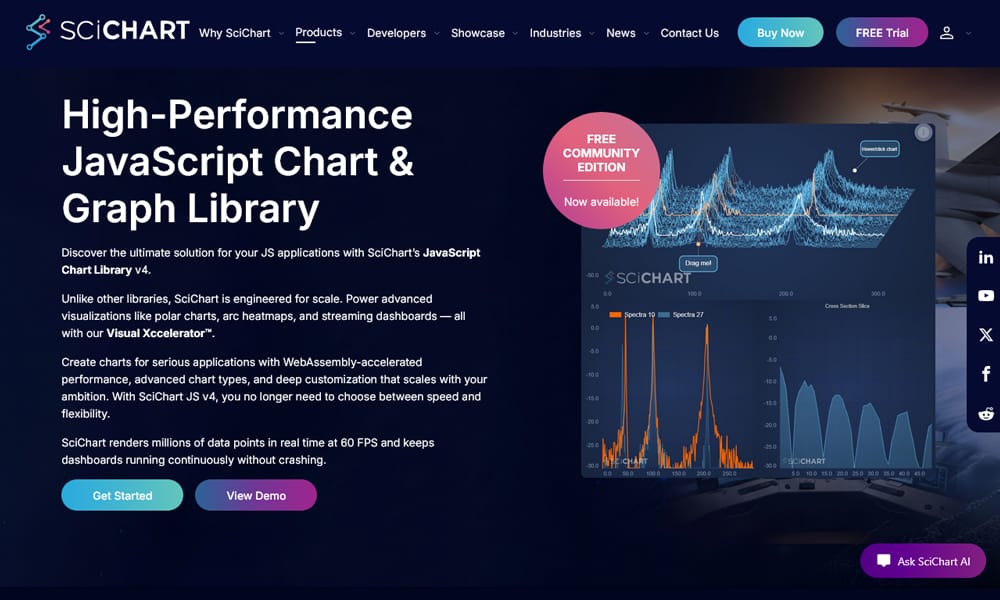
What it is: High-performance charting with WebGL and WebAssembly. The choice when you need to render 100M+ data points and maintain 60 FPS.
Why it matters: SciChart is the only mainstream library optimized for extreme scale. Renders 100M points in 11 seconds (vs. competitors at 32+ seconds). Purpose-built for scientific, financial, and engineering applications.
Key Features:
- WebGL and WebAssembly rendering
- Handles 100M+ data points smoothly
- Real-time streaming support
- 2D, 3D, and heatmap visualizations
- Commercial product with enterprise support
- Free evaluation available
Best For: Financial platforms (real-time trading charts), scientific visualization, seismic data analysis, large-scale IoT dashboards, any project requiring extreme performance.
When to Avoid:
- Your datasets are <1 million points (overkill)
- You need free-forever open-source (it’s commercial)
- You’re on a tight budget (licensing fees apply)
Cost: Commercial (contact for pricing)
— Free evaluation available
— Perpetual or subscription licenses
— Enterprise support included
Real-World Insight: SciChart pricing seems high until you factor in development time. Building WebGL rendering from scratch or optimizing D3 to handle 100M points costs more than a SciChart license. If performance is your constraint, SciChart pays for itself immediately.
Last Updated: December 2025 (2.x stable, regularly updated)
amCharts
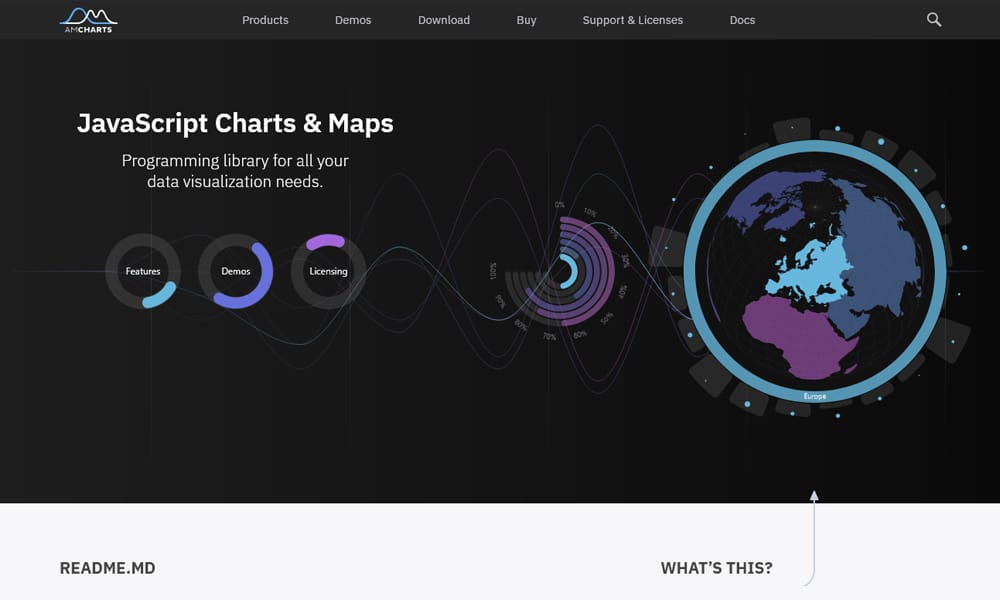
What it is: A mature, feature-rich charting library with 30+ chart types, interactive maps, and timeline support. AmCharts 5 (latest) is TypeScript-first and modern.
Why it matters: AmCharts is the alternative to Highcharts for teams wanting rich interactivity and advanced chart types without Highcharts’ price tag.
Key Features:
- 30+ chart types including timelines and sankey diagrams
- Interactive maps and geographic visualization
- 76% TypeScript codebase (v5.x)
- Streaming data support
- Free community tier + commercial licenses
- 15+ years of development (mature product)
Best For: Teams wanting Highcharts features at lower price, projects requiring timeline or sankey visualizations, applications needing interactive maps without Mapbox integration.
When to Avoid:
- You only need basic charts (simpler libraries sufficient)
- You need pure open-source (free tier exists but Pro recommended)
- You’re price-sensitive (Highcharts can be cheaper at scale)
Cost: Starts at Free (community)
— Commercial: $80-$1,200 depending on seats and features
— As of: December 2025
Real-World Insight: AmCharts’ main advantage over Highcharts: better timeline and sankey chart support, plus TypeScript rewrite in v5. If you’re building a project timeline or Gantt chart, amCharts is more natural than Highcharts. Otherwise, they’re comparable—pick based on feature parity.
Last Updated: December 2025 (v5.10+, actively maintained)
Google Charts
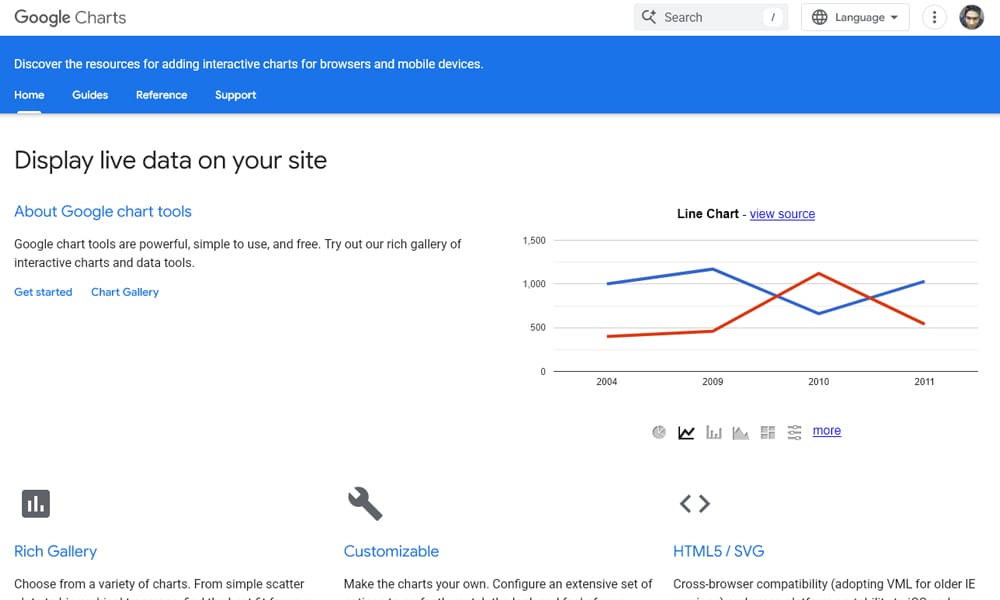
What it is: Google’s charting library integrated with Google Sheets and Google Analytics. Simple, reliable, and works anywhere.
Why it matters: Google Charts is the fallback. Not the most powerful, but it works. It’s especially useful if you’re pulling data directly from Google Sheets.
Key Features:
- 25+ chart types
- Native integration with Google Sheets (drag-and-drop)
- SVG and Canvas rendering
- Zero-dependency (Google handles CDN)
- Free
Best For: Non-technical users creating charts from Google Sheets, content marketing, quick dashboards without development, projects where simplicity > power.
When to Avoid:
- You need advanced interactivity (limited)
- You need visualization >1M points (slow)
- You care about offline functionality (requires CDN)
Cost: Free
— Google Charts API stable and reliable
— No commercial tiers
— Note: Image Charts QR endpoint deprecated (2012); use alternatives for QR generation
Real-World Insight: Google Charts is losing ground to modern libraries, but it’s still useful if you’re already in the Google ecosystem (Sheets, Data Studio, Analytics). For standalone projects, Recharts or ECharts are better choices. Use Google Charts for lightweight administrative dashboards, not data-heavy applications.
Last Updated: December 2025 (API stable; non-critical deprecations only)
Leaflet
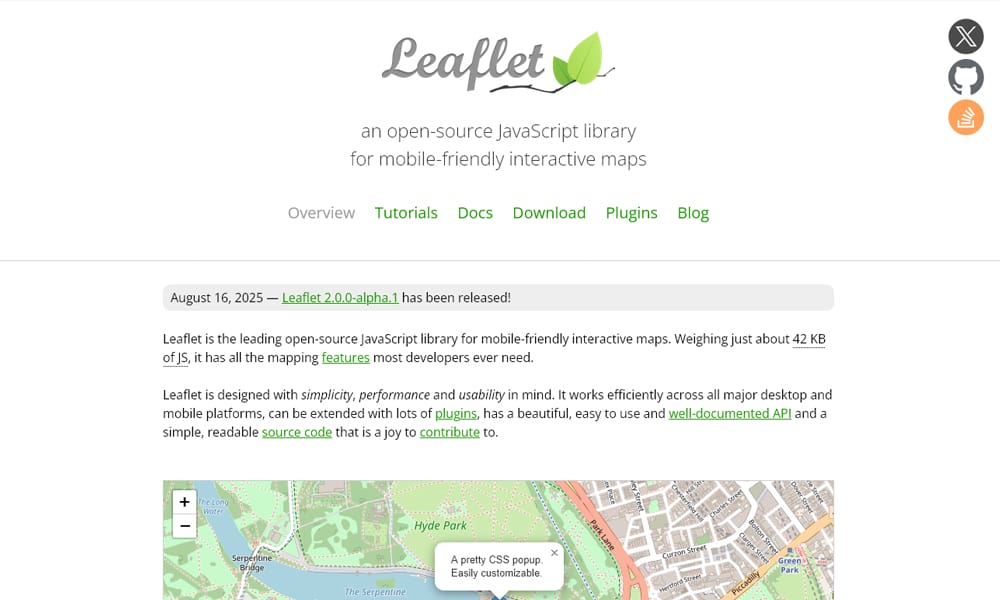
What it is: The lightweight mapping library. If you need interactive maps without the weight of Mapbox or Google Maps SDK, Leaflet is the classic choice.
Why it matters: Leaflet proves you don’t need a massive mapping platform for basic geographic visualization. 40KB gets you working maps.
Key Features:
- Lightweight map library (~40KB minified)
- Marker clustering, heatmaps, drawing tools
- Plugin ecosystem (20+ major plugins)
- Mobile-responsive
- Open-source (BSD license)
- 40K+ GitHub stars
Best For: Projects needing basic mapping, content sites showing locations, NGOs and nonprofits visualizing geographic data, applications avoiding vendor lock-in to Google/Mapbox.
When to Avoid:
- You need advanced features (terrain, 3D, AI-powered features; use Google Maps)
- You need real-time location tracking at scale (use Deck.gl)
- You need offline maps (use alternatives)
Cost: Free
— Open-source (BSD license)
— Community maintained
— Plugin ecosystem free and paid
Real-World Insight: Leaflet’s strength is simplicity. OpenStreetMap tiles + Leaflet = working map in 50 lines of code. The trade-off: limited compared to Google Maps. Pick Leaflet when you specifically want lightweight; otherwise, evaluate based on features needed.
Last Updated: December 2025 (stable, well-maintained)
Sigma.js
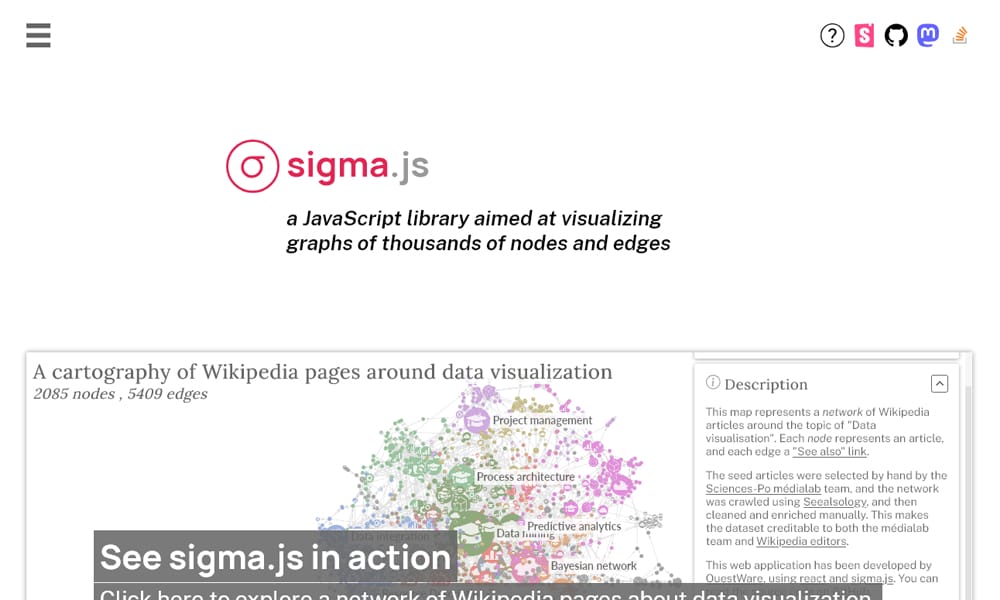
What it is: A graph and network visualization library. For rendering nodes, edges, and network topology, Sigma.js is specialized and powerful.
Why it matters: Standard chart libraries don’t handle graph visualization well. Sigma.js does it with WebGL, supporting 10K+ nodes at 60 FPS.
Key Features:
- GPU-accelerated graph rendering
- Handles 10K+ nodes smoothly
- Interactive pan, zoom, selection
- Physics-based layout algorithms
- Small bundle size
- Active development (v3.x in progress)
Best For: Network analysis, social network visualization, knowledge graphs, dependency visualization, organizational hierarchies, any project mapping relationships.
When to Avoid:
- You need standard charts (use Recharts, ECharts)
- You need small graphs (<100 nodes; overhead)
- Your data is not network/graph structured
Cost: Free
— Open-source (MIT license)
— Community maintained
— Growing ecosystem
Real-World Insight: Sigma.js fills a gap. If you’re visualizing networks, don’t try to force it into Recharts or D3—use Sigma. It’s designed for this specific problem and solves it well. The learning curve is moderate, worth the effort if your domain is graphs.
Last Updated: December 2025 (v2.x stable, v3.x beta)
Observable Plot

AntV G2

Chartist.js

FAQ: Answering the Biggest Questions
Q1: “Can I use the same library everywhere (React, Vue, Svelte)?”
Short answer: No single library dominates all frameworks perfectly. ECharts is the most framework-agnostic (pure JavaScript). For React specifically, Recharts, Visx, and Nivo are best. For Vue, ECharts or Plotly.js work well. Avoid framework-specific libraries if you might switch.
Q2: “How many data points can each library handle before performance drops?”
Quick guide:
- < 10K points: Any library fine (Recharts, Chart.js, Highcharts all work)
- 10K-1M points: Use ECharts, Plotly, or Highcharts; avoid Recharts (SVG-rendered)
- 1M-100M points: ECharts or SciChart.js (Canvas or WebGL rendering)
- > 100M points: SciChart.js or LightningChart (WebGL/WebAssembly required)
Q3: “Is D3.js worth learning in 2025?”
Real answer: Only if you need custom visualizations that existing libraries can’t build. For 95% of projects, Recharts or ECharts solve the problem faster. Learn D3 if you’re a data journalist, researcher, or artist. Don’t learn it just because it’s famous. Visx (built on D3) is usually the smarter choice.
Q4: “Which library is best for real-time dashboards?”
For streaming data: ECharts (Canvas + streaming mode) or Plotly (WebSocket support) or SciChart (WebGL). All three handle real-time updates without lag. Avoid Recharts (SVG re-renders are slow with high-frequency updates).
Q5: “Should I pay for Highcharts or use free alternatives?”
Decision rule:
- Pay for Highcharts if: You need enterprise support, your company values reliability over cost, you’re building regulated industry dashboards (finance, healthcare).
- Use free alternatives if: You’re a startup, you have strong engineering, you can solve support problems yourself.
- Recommendation: ECharts (free) is technically comparable to Highcharts for most use cases. If cost is a factor, ECharts wins. If support matters, Highcharts wins.