25 Best AI Website Builders of 2026 | Fast & Easy Website Creation Tools
Are you looking to launch a stunning website without coding? AI website builders are transforming the web creation landscape by combining automation with creativity. Whether you’re a small business owner, freelancer, or marketer, these tools promise lightning-fast builds with SEO-savvy, design precision, and cost efficiency.
This guide cuts through the hype to bring you detailed reviews of 13 leading AI website builders available in 2025. Each gets a deep dive with features, pros and cons, use cases, and insider tips. Plus, you’ll find a handy comparison table, FAQs, and the latest AI trends shaping website building.
Why Choose AI Website Builders in 2025?
AI-powered builders are no longer just about basic templates. They leverage:
- AI content generation: Automated copywriting tailored to your brand.
- SEO optimization: Meta tags, sitemaps, and analytics guided by AI.
- Design customization: Adaptive layouts and smart image generation.
- Integration: Smooth plug-ins with marketing and CRM platforms.
This means faster launches, less hassle, and websites that rank well.
See also
AI Website Builders Comparison Table
| Builder | Price Range | AI Features | Best For | Ease of Use | Integrations |
| Wix AI | Free – $$ | AI content, SEO, layouts | Small biz, freelancers | Easy | Marketing tools, CRM |
| Durable AI | $ | Auto site build, SEO | Entrepreneurs | Very Easy | Limited |
| Hostinger AI | $ | Hosting + AI content | Bloggers, startups | Easy | Hosting, basic marketing |
| Framer | $$ | AI prototyping, design | Designers, creators | Medium | GitHub, dev tools |
| 10Web | $-$$ | WordPress AI, SEO, speed | Agencies, multisite | Medium | WordPress ecosystem |
| Divi AI | $$ | AI copy and image gen | Divi users, bloggers | Medium | Divi ecosystem |
| Squarespace | $$-$$$ | AI content, design templates | Creatives, artists | Easy | Commerce, marketing |
| Elementor AI | Free – $$ | AI copy, SEO tools | WordPress users | Easy | WordPress, marketing plugins |
| Brizy AI | $ | Drag-drop AI blocks | Beginners, bloggers | Very Easy | Basic |
| Dorik | $ | Minimalist AI content | Freelancers, startups | Easy | Limited |
| Shopify | $$-$$$ | AI product descriptions | Ecommerce sellers | Easy | Commerce tools |
| Codedesign AI | $ | AI startup templates | SaaS, tech startups | Easy | Limited |
| Pineapple Builder | $ | Marketing site-focused AI | Marketers, small biz | Very Easy | Limited |
In-Depth Reviews of Top 13 AI Website Builders
Wix

Wix’s AI builder guides you through content creation, SEO, and design, perfect for service-based businesses wanting both control and automation.
- Why it’s valuable: Offers one of the largest template libraries, with AI optimizing layouts and copy.
- Pro: Scales well from portfolio to ecommerce.
- Con: Some features behind premium plans.
- Insider tip: Use Wix’s SEO Wiz to boost search engine rankings automatically.
Durable AI

Durable AI builds complete sites with minimal inputs, generating SEO-ready content and layouts instantly.
- Why it’s unique: Focus on ultra-speed site launches under 30 minutes.
- Pro: Great for small businesses needing a quick presence.
- Con: Design flexibility is limited.
- Real use case: Local business owners launched a website and booked clients within days.
Hostinger

Affordable and integrated, Hostinger bundles AI-driven websites with powerful hosting, ideal for startups.
- Why it shines: All-in-one hosting and builder with built-in marketing suggestions.
- Pro: Solid uptime and page speed.
- Con: Basic AI customization still evolving.
- Tip: Bloggers can easily manage content and SEO without extra tools.
Framer

Ideal for designers, Framer offers AI-assisted prototyping alongside precise control.
- Why designers love it: Combines creative freedom with AI productivity boosts.
- Pro: Build complex, responsive sites quickly.
- Con: Slight learning curve if new to design tools.
- Example: Fintech startup reduced launch time by 50% using AI-driven iterations.
10Web

10Web’s AI powers WordPress website creation with automatic SEO and speed optimization.
- Why it’s great: Makes WordPress easy for agencies and freelancers with automation.
- Pro: Optimized for Google’s Core Web Vitals.
- Con: Best for users familiar with WordPress basics.
- Tip: Use its AI content generator for fast blog post creation.
Divi AI

Divi AI enhances Divi Builder with AI-powered text and image tools.
- Why use it: Efficiently creates content and layouts within a popular design ecosystem.
- Pro: Seamless blend of design and AI creativity.
- Con: Requires Divi subscription.
- Use case: Rapid blog drafting during content crunches.
Squarespace AI Website Builder

Squarespace is favored by creatives for its top-notch design aesthetics, now powered by AI content generation.
- Why it’s elegant: Offers stylish design combined with AI that customizes content.
- Pro: High-quality visuals and mobile responsiveness.
- Con: Pricing is on the higher side.
- Perfect for: Artists and photographers who want standout portfolios.
Elementor’s AI Website Builder

Elementor AI integrates AI copywriting and SEO within WordPress’s leading page builder interface.
- Why it’s powerful: Constantly upgraded with new AI features for content and SEO.
- Pro: Great community and plugin support.
- Con: Pro license required.
- Example: Helped nonprofits cut web production time from weeks to days.
Brizy AI Website Builder

Brizy AI is a lightweight, intuitive site builder ideal for beginners.
- Why it’s simple: Drag-drop features paired with AI content generation for small sites.
- Pro: Fast learning curve.
- Con: Limited integrations.
- Tip: Perfect for bloggers or simple company sites.
Dorik

Dorik combines minimalist design with AI-powered content generation.
- Why freelancers like it: Simple tool to build sleek, functional landing pages.
- Pro: Affordable and clean.
- Con: Not built for complex sites.
- Best for: Entrepreneurs launching personal brands or startups.
Shopify Website Builder

Shopify’s AI tools simplify store setup, product descriptions, and marketing aids. Many merchants also use it alongside an AI store builder workflow to automate product listings, descriptions, and storefront layouts.
- Why ecommerce sellers love it: AI automates product pages and store customization.
- Pro: Extensive ecommerce features and payment integrations.
- Con: Less suited for non-commerce sites.
- Insider tip: Use AI to generate personalized marketing campaigns.
Codedesign AI

Codedesign AI offers startup-focused templates powered by AI customization.
- Why startups pick it: Speedy MVP website creation with startup branding presets.
- Pro: Tailored for SaaS and tech startups.
- Con: Smaller template library.
- Recommended for: Tech entrepreneurs needing a quick MVP.
Pineapple Builder

Pineapple Builder targets marketers needing fast campaign websites.
- Why marketers prefer it: Lightweight, with AI optimizing marketing site structure.
- Pro: Swift setups and easy edits.
- Con: Limited advanced design controls.
- Use case: Digital marketers launching product landing pages fast.
Relume

Not a one-click builder, but very useful for planning. It generates sitemaps and wireframes from a prompt, and you then carry them into Figma or Webflow.
SITE123

Very easy to use, with a guided setup and a short learning curve. It’s a good fit for simple sites, though it offers less design freedom than Wix or Squarespace.
GoDaddy Airo

GoDaddy’s AI layer for domains, sites and basic marketing. It makes sense if you already buy your domain and hosting from them and want everything in one place.
B12

Built for service businesses like consultants, agencies and clinics. It generates the draft, and you can pair it with their editors and tools for scheduling, payments and email.
Mixo

v0 by Vercel

Best known for clean React interfaces. It’s a strong pick if you already know a little front-end or deploy on Vercel.
Bubble

A mature no-code platform with AI features that help you build logic and workflows faster. It has more of a learning curve, but you get a lot of power for complex products.
WordPress AI Website Builder

Softr

Turns Airtable or Google Sheets data into client portals, directories and internal tools. It’s a strong fit for business users who already live in spreadsheets.
Base44

Wix-backed, with the backend built in. It’s friendly for beginners who need internal tools, portals and simple business apps without wiring up outside services.
Lovable
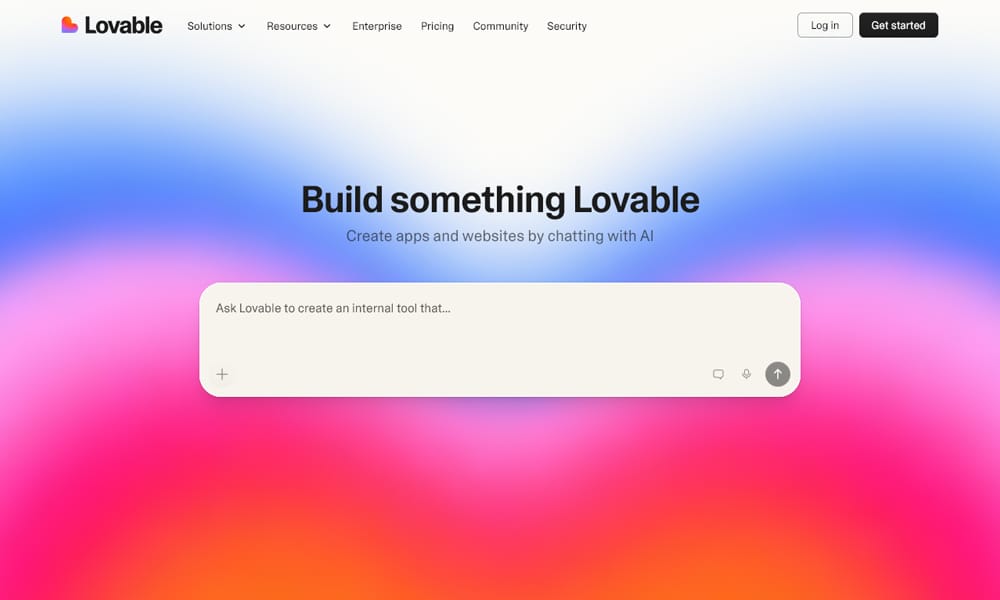
Usually named the best fit for non-developers. You describe what you want and it builds a polished, full-stack app, with GitHub sync and Supabase for the backend.
Bolt.new
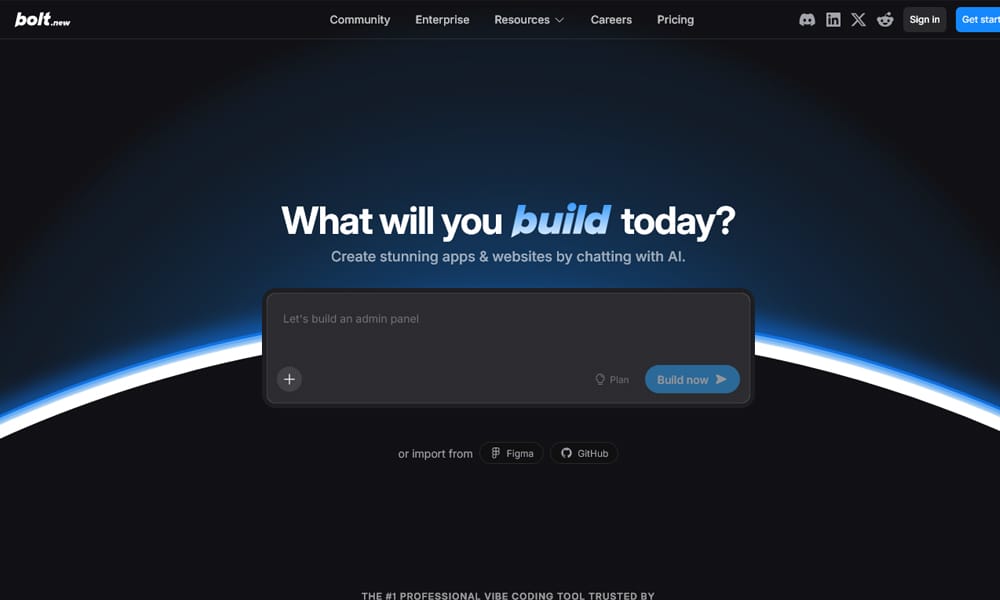
Runs in the browser and is very fast for prototypes. It gives you more control over frameworks and the code, which developers tend to like. Heavy debugging can use up usage quickly.
Replit AI
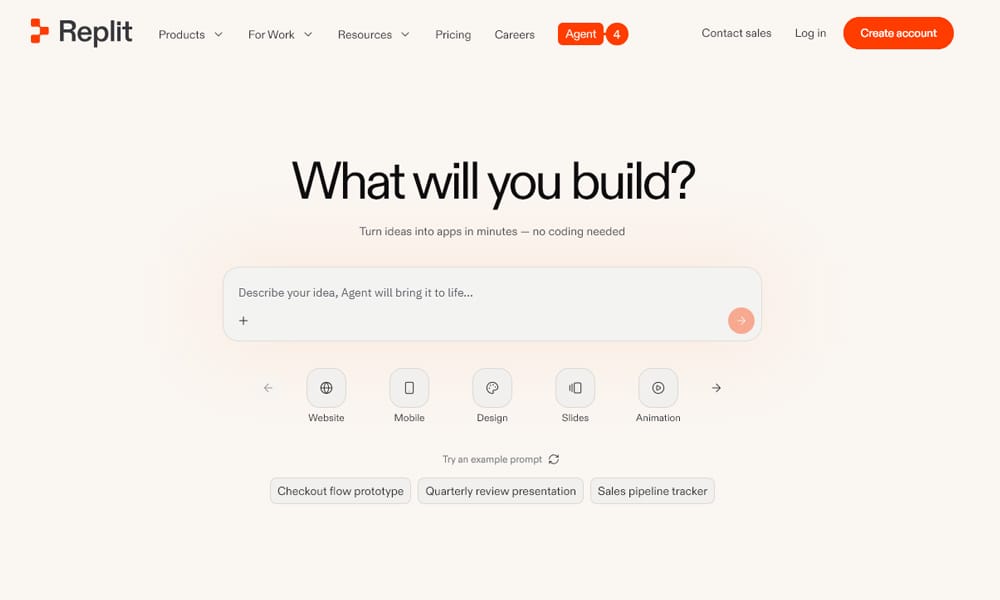
Combines a browser IDE, an AI agent and hosting in one place. It’s a good middle ground if you want to build with AI help but still see and edit the code.
Figma Make

Figma’s prompt-to-prototype tool. It lets designers turn ideas or existing frames into working, interactive prototypes without leaving their design workflow.
FAQs About AI Website Builders
1. Are AI website builders good for SEO?
Almost all builders include AI to generate meta tags, optimize speed, and manage sitemaps to boost SEO effortlessly.
2. Can beginners use AI builders?
Yes! Builders like Durable AI, Brizy, and Pineapple Builder are designed for non-technical users.
3. Do AI builders replace designers?
They speed up basic site creation, but custom complex design still benefits from human creativity.
4. What budgets do AI website builders require?
Prices range from free tiers to higher-end subscriptions, with most small business-friendly options under $30/month.
5. How do I choose the right AI builder?
Consider your project needs: speed, design flexibility, platform integrations, and budget. Use our comparison table for quick guidance.
Final Thoughts
AI website builders in 2025 empower anyone to create professional sites fast, smart, and scalable. Whether you want ecommerce power, minimalist portfolios, or marketing landing pages, there’s an AI builder that fits your workflow.
Try a couple to see how AI can change your website building forever—you might never go back to traditional methods.